
Introduction
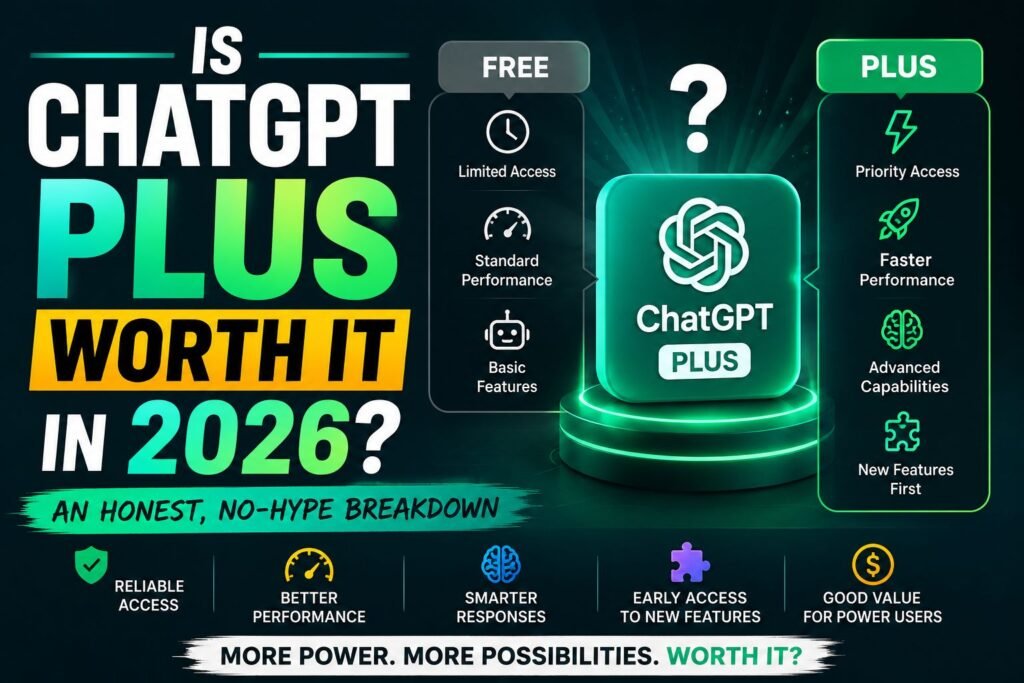
So, is ChatGPT Plus worth it? That’s the question a lot of people type into Google right before they hand over their card details, and honestly, it’s a fair one. Twenty dollars a month adds up over a year, and nobody wants to pay for a tool that just sits there half-used. The truth is that ChatGPT Plus is worth it for some people and a waste of money for others, and the difference usually comes down to how often someone actually uses ChatGPT and what they use it for. This guide breaks down the real features, the real limits, and the real trade-offs, so the decision feels less like a guess and more like a clear yes or no.
Quick Answer (Featured Snippet)
ChatGPT Plus is worth it for people who use ChatGPT daily for work, school, or creative projects and regularly hit the free plan’s limits. At $20 a month, it unlocks the flagship model, higher usage caps, and tools like Codex and Deep Research. Casual, occasional users usually don’t need it.
What Is ChatGPT Plus, Exactly?
ChatGPT Plus is OpenAI’s mid-tier paid subscription, sitting between the budget-friendly Go plan and the pricier Pro tier. It costs $20 a month, billed monthly with no annual discount option, and it’s the first paid tier that removes ads entirely while unlocking OpenAI’s flagship model.
Plus subscribers get priority access during busy hours, a much larger context window (enough to handle roughly 320 pages of text in a single conversation), and features that simply aren’t available on the free or Go plans, including full access to Codex for coding tasks, Deep Research for in-depth reports, and Tasks for scheduling recurring prompts.
The plan was originally built to guarantee uptime during peak demand, but it has grown into something much bigger. According to OpenAI’s own documentation, Plus now bundles in advanced reasoning, image generation, voice mode, and custom GPTs, all wrapped into one subscription.
Why People Search for This
Most people don’t wake up wondering about AI subscription tiers for fun. They usually land here because:
- They hit a usage cap on the free plan and got frustrated mid-task
- They’re comparing ChatGPT Plus against Gemini, Claude, or Copilot subscriptions
- They want to use ChatGPT for work and need to justify the cost to themselves (or their manager)
- They saw a price change and want to know if it’s still a good deal
ChatGPT Plans Compared: Free vs Go vs Plus vs Pro
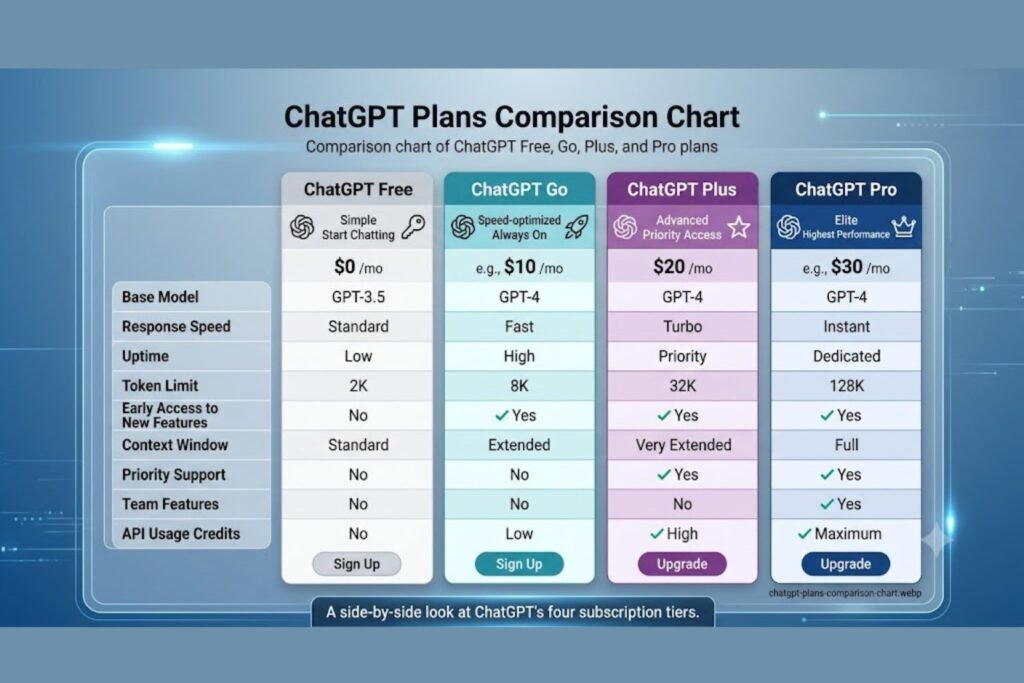
Here’s a side-by-side look at how the plans stack up. OpenAI has restructured its lineup a few times, so this reflects the current 2026 tier structure.
| Feature | Free | Go ($8/mo) | Plus ($20/mo) | Pro ($100–$200/mo) |
|---|---|---|---|---|
| Ads | Yes (US) | Sometimes | None | None |
| Flagship model access | Limited, capped fast | No | Yes | Yes, with higher caps |
| Message limits | Very tight (resets every few hours) | Higher than Free | Much higher | Highest, near-unlimited for most users |
| Deep Research | Very limited | Limited | Included | Expanded access |
| Codex (coding agent) | Limited | Not included | Full access | Full access, more usage |
| Image generation | Basic | Basic | Full DALL·E access | Full access |
| Context window | Small | Small | Large (~320 pages) | Largest available |
| Best for | Occasional questions | Budget-conscious casual users | Daily personal and professional use | Power users and heavy workflows |
[chatgpt is at capacity solution]
The Go plan is a genuinely useful middle ground for people who chat with ChatGPT often but don’t need the flagship model or the developer-focused tools. It’s cheaper, but it skips the features that make Plus attractive to professionals, including Agent Mode, full Codex access, and Deep Research.
Pro, on the other hand, is built for people who already know Plus isn’t enough. It removes most usage caps and adds extra headroom for the heaviest workflows, but for the average person, it’s overkill.
Who ChatGPT Plus Is Actually Worth It For
Not everyone needs to pay for ChatGPT, and that’s fine. But certain groups get real, measurable value out of the Plus subscription.
Freelancers and writers. Anyone who drafts content, emails, or scripts every day benefits from the larger context window and fewer interruptions from rate limits.
Students working on long projects. Research papers, study guides, and coding assignments often need longer back-and-forth conversations than the free plan allows.
[chatgpt conversation not loading]
Developers and technical users. Full access to Codex turns ChatGPT into a genuine coding assistant rather than a limited helper, which matters a lot for anyone shipping code regularly.
Small business owners. Drafting marketing copy, analyzing spreadsheets, and building customer-facing content becomes far more efficient with priority access and higher caps.
Anyone who hits the free plan’s wall regularly. If the “you’ve reached your limit” message shows up more than once a week, that’s usually a sign the free tier isn’t cutting it anymore.
Who Should Probably Skip It
On the flip side, some people are better off staying free or trying the Go plan first.
- Casual users who ask a handful of questions per week
- People who mainly want quick facts, not long, detailed sessions
- Anyone on a tight budget who could get by with Go’s higher message volume
- Users who already have access to a similar AI tool through work or school
[chatgpt not generating answers]
There’s no shame in staying on the free plan. OpenAI recommends trying the free tier first to get a feel for how often ChatGPT actually gets used before committing to a subscription, and that’s genuinely solid advice.
How to Decide If ChatGPT Plus Is Worth It for You (Step-by-Step)
Instead of guessing, here’s a simple way to work through the decision.
Track usage for one week.
Note how many times the free plan’s limit gets hit or how often responses feel slower than expected.
List the tasks that matter most.
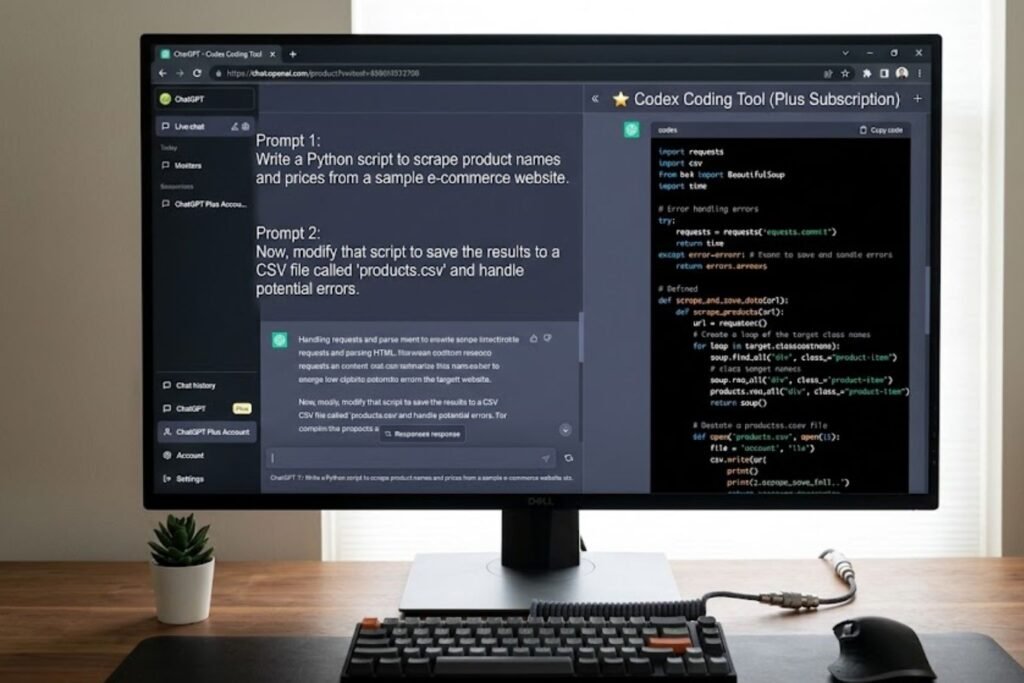
Coding, research, writing, and image generation all lean more heavily on Plus-only features.
Compare the cost to the value.
Twenty dollars a month is roughly the cost of a couple of coffees; the real question is whether it saves more time or money than that.
Try Go first if budget is tight.
It’s a cheaper way to test whether more usage, not more features, is the actual bottleneck.
Start a monthly Plus subscription (not annual).
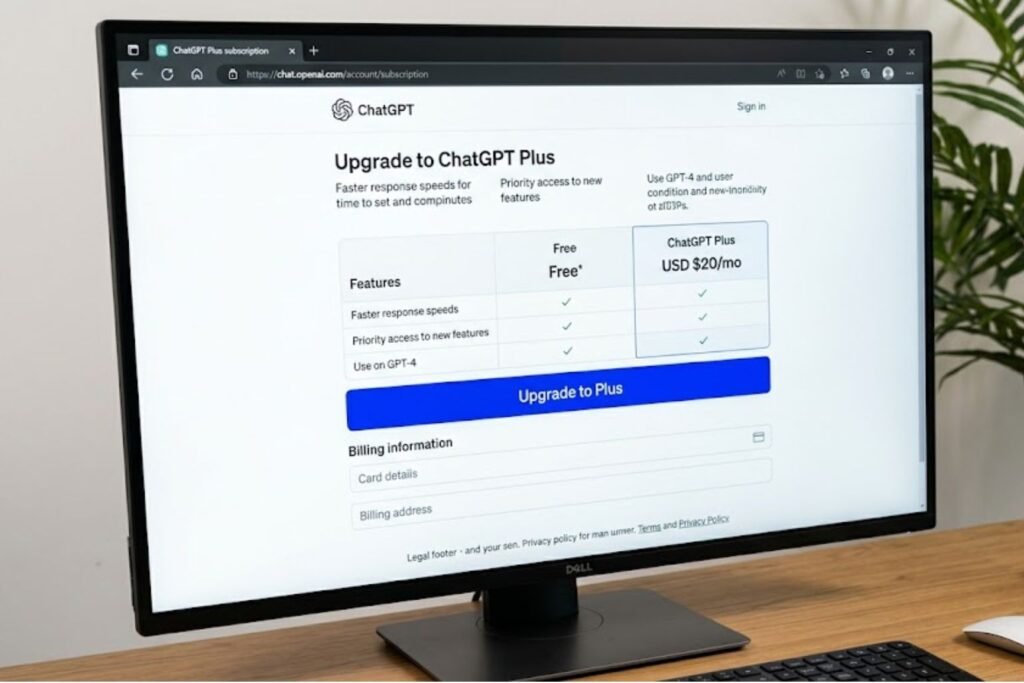
Since OpenAI only offers monthly billing for Plus, there’s no long-term lock-in risk.
Reassess after 30 days.
Check usage stats and decide whether to keep, downgrade, or upgrade to Pro.
[chatgpt upload image not working]
ChatGPT Plus Pros and Cons
| Pros | Cons |
|---|---|
| No ads, ever | Same $20 price whether used daily or rarely |
| Access to the flagship model | Casual users may not need the extra power |
| Higher usage caps than Free or Go | Still has usage limits, just higher ones |
| Full Codex and Deep Research access | No annual discount option |
| Larger context window for long tasks | Pro tier may be needed for the heaviest workloads |
| Priority access during high-traffic periods | Requires ongoing monthly payment |
Common Mistakes to Avoid
Subscribing without testing the free plan first. Many people upgrade the moment they hear about a new feature, without checking whether their actual usage justifies it.
Assuming Plus removes all limits. Plus significantly raises usage caps, but it doesn’t make them disappear completely. Most users report the caps rarely become an issue, though it depends on how intensively the tools get used.
[chatgpt voice mode not working]
Forgetting to cancel unused subscriptions. If a Plus subscription goes unused for a month or two, it’s easy to keep paying out of habit rather than need.
Comparing price alone instead of total value. A cheaper competitor isn’t automatically better if it lacks features that save real time, like Codex or Deep Research.
Ignoring regional pricing and tax differences. Prices can vary slightly depending on currency and local tax rules, so it’s worth double-checking the exact charge before subscribing.
Expert Tips to Get the Most Out of ChatGPT Plus
- Use custom instructions. Setting preferences once saves time on every future conversation instead of repeating context in every prompt.
- Take advantage of Deep Research for big tasks. According to OpenAI’s documentation, this feature is built for multi-step research that would otherwise take hours to do manually.
- Organize projects with folders or Tasks. Keeping related conversations grouped makes it far easier to pick up long-running work.
- Pair Plus with browser or desktop tools. Many workflows get faster when ChatGPT is used alongside other apps rather than as a standalone tab.
- Review usage every couple of months. Needs change, and it’s worth checking whether Go, Plus, or Pro still matches actual habits.
Frequently Asked Questions
Is ChatGPT Plus worth it for students? Yes, for students working on longer assignments, research papers, or coding projects. Casual students who only ask quick questions may be fine on the free plan.
Is ChatGPT Plus worth it for coding? For anyone coding regularly, yes. Full Codex access on Plus turns ChatGPT into a genuinely useful development assistant instead of a limited helper.
Can I cancel ChatGPT Plus anytime? Yes, ChatGPT Plus is billed monthly with no long-term contract, so it can be canceled at any point through account settings.
Is ChatGPT Plus better than the Go plan? Plus offers more advanced features like Codex, Deep Research, and the flagship model, while Go focuses on higher usage volume at a lower price. The right choice depends on whether more features or more messages matter more.
Does ChatGPT Plus remove all usage limits? No. Plus raises the caps considerably compared to Free and Go, but it doesn’t offer unlimited use. Heavy users who still hit limits may need to consider Pro.
Is ChatGPT Plus worth it in 2026 compared to competitors? It depends on the alternative. ChatGPT Plus remains competitively priced against similar premium AI subscriptions, and its combination of coding tools, research features, and model access makes it a strong option for most everyday professional use.
How do I know if I should upgrade from Plus to Pro? If Plus’s usage caps are being hit regularly despite normal use, or if a workflow depends heavily on extended reasoning and near-unlimited usage, Pro is worth evaluating.
Conclusion
At the end of the day, whether ChatGPT Plus is worth it comes down to one simple test: does it get used often enough, and for tasks meaty enough, to justify $20 a month? For freelancers, students tackling big projects, developers, and small business owners, the answer is usually yes, since the extra usage caps, Codex access, and Deep Research tools tend to pay for themselves in saved time. For casual users who only pop in for a quick question now and then, the free plan or the budget-friendly Go tier is probably the smarter move.
The best way to find out is to actually track usage for a week or two before deciding. Anyone on the fence can start with a single month of Plus, keep an eye on how much value it adds, and cancel just as easily if it doesn’t earn its keep.