
Introduction
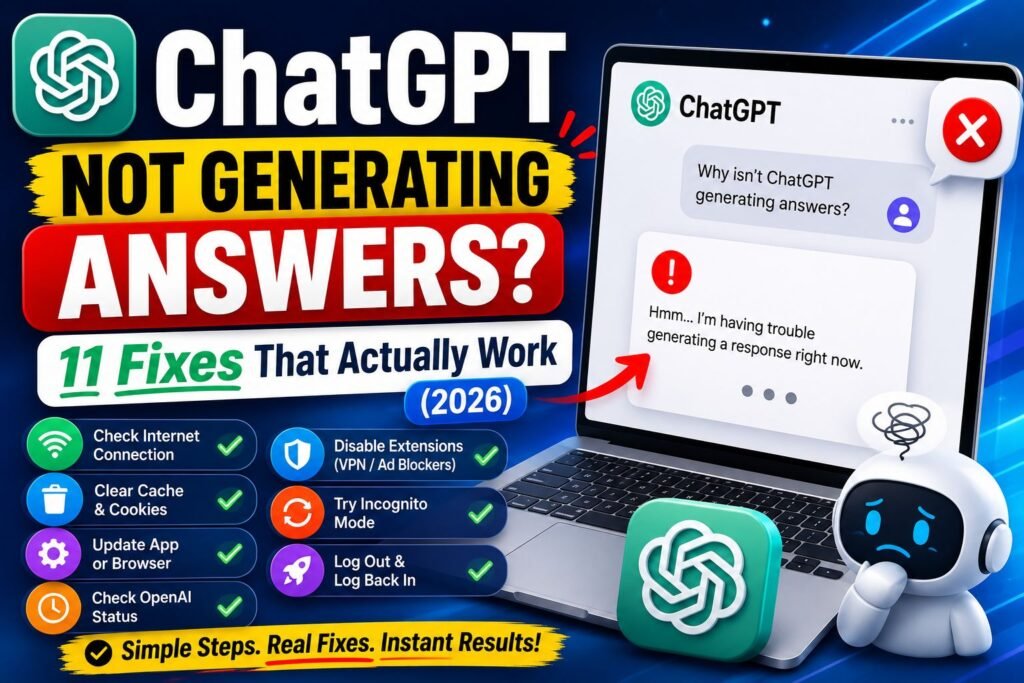
Nothing is more frustrating than typing out a detailed question, hitting enter, and watching ChatGPT sit there doing nothing. If ChatGPT is not generating answers right now, the person is not alone. This problem shows up on desktop, mobile, and even the API, and it usually happens at the worst possible time, like right before a deadline.
The good news is that this issue is almost always fixable. Sometimes it is a small hiccup on OpenAI’s servers. Other times it is a browser setting, a shaky internet connection, or an outdated app. This guide walks through every likely cause and gives clear, step-by-step fixes that regular people, not just tech experts, can follow in a few minutes.
By the end of this article, the reader will know exactly why ChatGPT stalls out and how to get it responding normally again.
Featured Snippet Answer
ChatGPT usually stops generating answers due to server overload, a poor internet connection, browser cache issues, an outdated app, or a temporary OpenAI outage. Refreshing the page, clearing the cache, switching networks, or checking OpenAI’s status page fixes the issue in most cases within minutes.
Why Is ChatGPT Not Generating Answers?
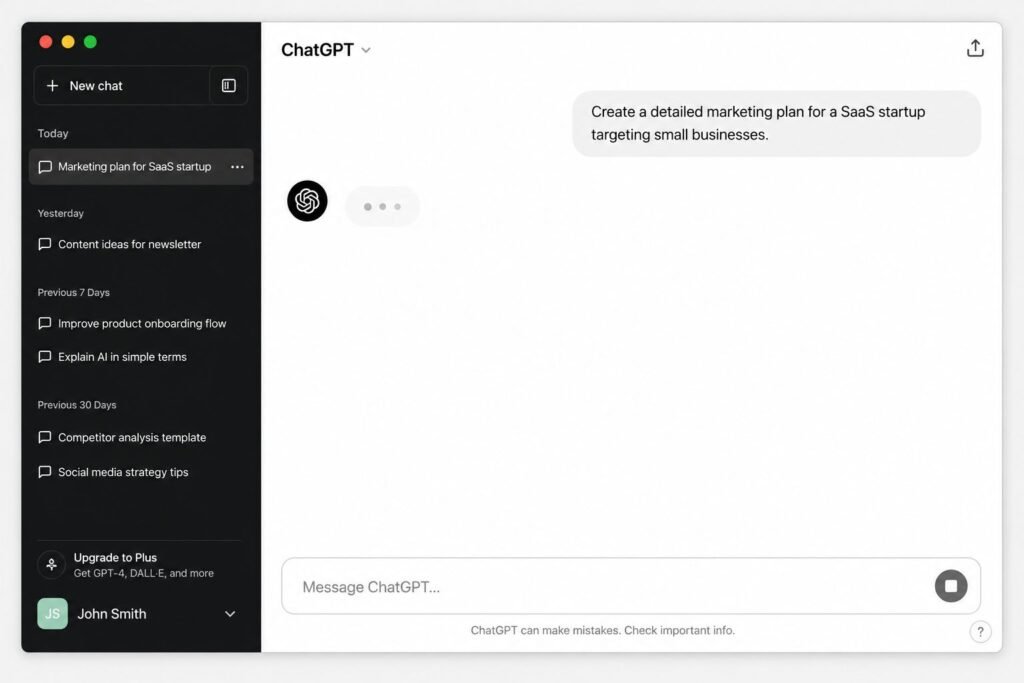
There is rarely just one reason ChatGPT freezes up mid-response or refuses to reply at all. According to official documentation from OpenAI, most disruptions fall into a handful of categories, and knowing which one applies makes fixing it much faster.
1. Server-Side Issues at OpenAI
When millions of people are chatting at once, OpenAI’s servers can slow down or briefly go offline. This is more common during peak hours in the United States, right after a new feature launch, or during major news events when everyone rushes to ask ChatGPT the same questions.
2. Internet Connection Problems
A weak or unstable Wi-Fi signal can cause the response to load partway and then stop. Most users report that switching from Wi-Fi to mobile data, or the other way around, solves the problem instantly.
3. Browser Cache and Cookies
Old cached data can conflict with ChatGPT’s web app, causing the send button to spin endlessly without producing a reply. This is one of the most overlooked fixes.
4. Outdated App or Browser Version
Running an old version of Chrome, Safari, or the ChatGPT mobile app can break how the site communicates with OpenAI’s servers.
5. Account or Usage Limits
Free accounts and even Plus accounts have usage caps. Hitting a limit does not always show a clear error message, and it can look like ChatGPT is simply not answering.
6. Ad Blockers and Browser Extensions
Certain privacy extensions or ad blockers interfere with the scripts ChatGPT needs to stream a response.
7. Device or Software Conflicts
Older phones, outdated operating systems, or too many background apps can quietly slow down or crash the ChatGPT app.
Quick Comparison: Common Causes and Fixes
| Cause | How to Tell | Quick Fix |
|---|---|---|
| Server outage | Everyone online reports the same issue | Check status page, wait 10–15 minutes |
| Weak internet | Slow loading everywhere, not just ChatGPT | Switch Wi-Fi/mobile data, restart router |
| Cache issue | Only happens in one browser | Clear cache and cookies |
| Outdated app | Old app version installed | Update from app store |
| Usage limit reached | Message about limits, or sudden silence | Wait for reset or upgrade plan |
| Extension conflict | Works in incognito mode | Disable extensions |
| Device slowdown | Phone or PC running hot or slow | Restart device |
Step-by-Step Guide to Fix ChatGPT Not Generating Answers
Step 1: Check OpenAI’s Status Page
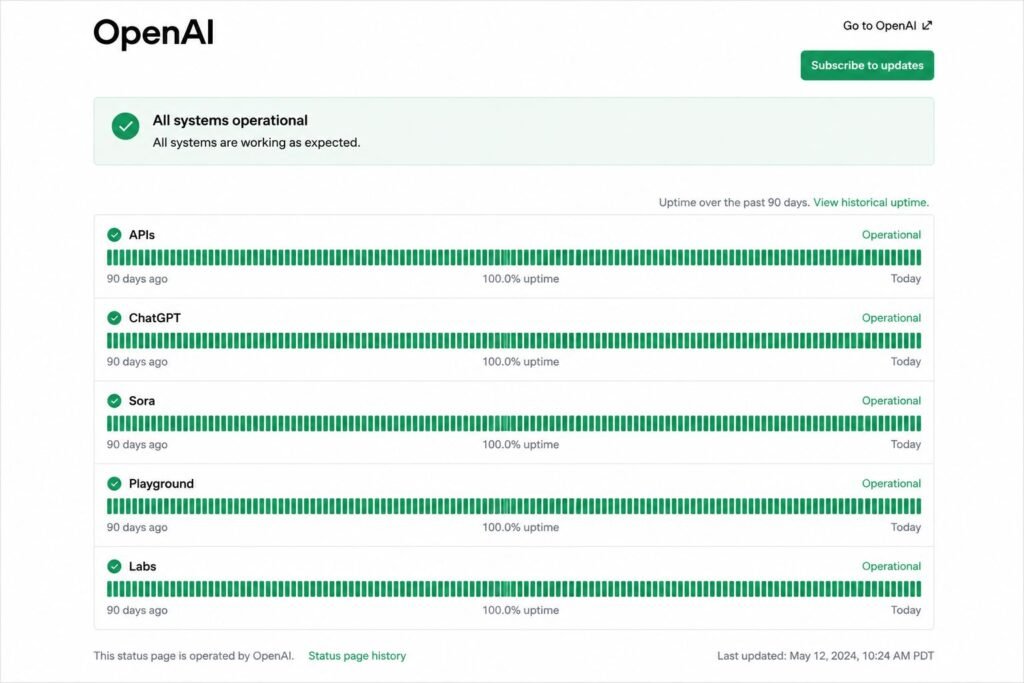
Before touching any settings, it helps to rule out a server problem. Google recommends checking the official status page first since there is no point troubleshooting a personal device if OpenAI’s servers are down.
Step 2: Refresh the Page or Restart the App
This sounds too simple, but it resolves a large share of cases. Close the tab completely or force-quit the app, then reopen it.
Step 3: Clear Browser Cache and Cookies
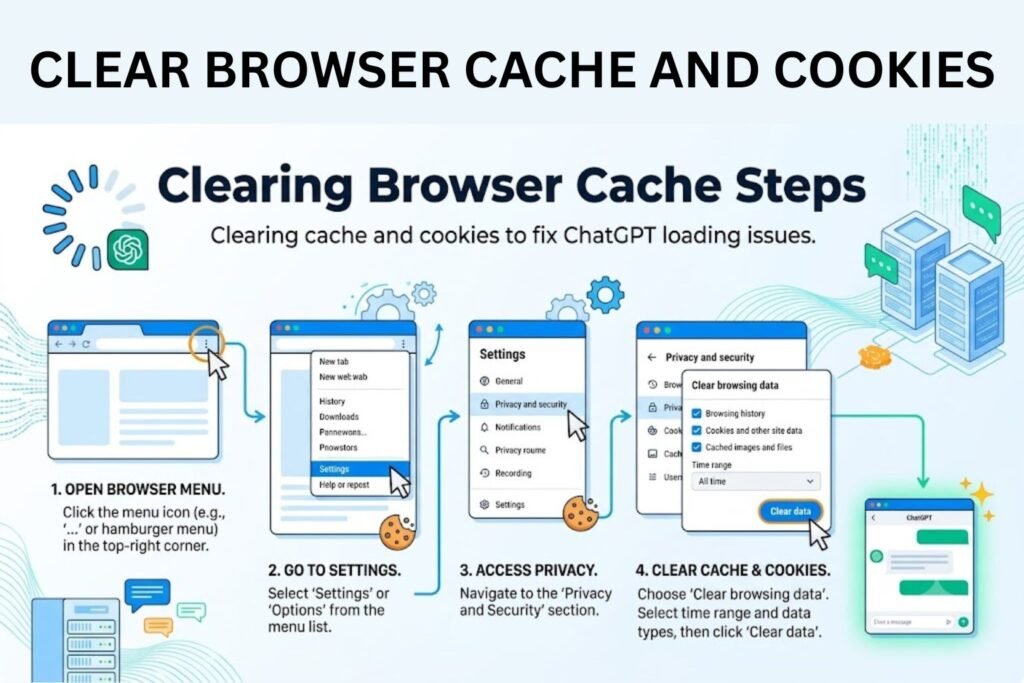
Old, stored data can quietly break how ChatGPT loads. Clearing it forces a clean connection.
Step 4: Try a Different Browser or Device
Switching from Chrome to Firefox, or from a laptop to a phone, quickly shows whether the issue is device-specific.
Step 5: Disable Browser Extensions
Ad blockers, VPN extensions, and privacy tools sometimes block the scripts ChatGPT relies on to stream text. Testing in incognito or private mode, where extensions are usually off, helps confirm this.
Step 6: Check the Internet Connection
Running a quick speed test or switching networks rules out a bandwidth issue.
Step 7: Log Out and Log Back In
This refreshes the session token and often clears up strange glitches tied to the account.
Step 8: Update the App
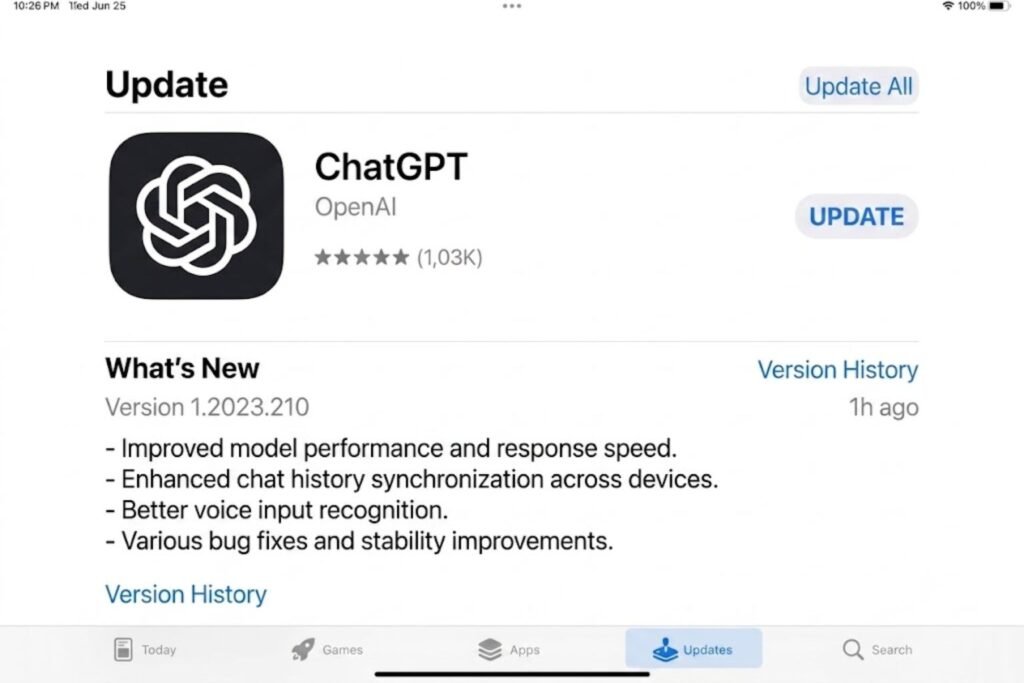
Outdated versions of the ChatGPT app for iOS or Android can cause responses to stall. Updating through the Apple App Store or Google Play Store usually fixes it.
Step 9: Restart the Device
A simple restart clears background processes that may be interfering with the app or browser.
Step 10: Check for Usage Limits
Free-tier and Plus accounts both have limits. Waiting for the reset window, or checking account settings for a limit notice, clarifies whether this is the cause.
Step 11: Contact OpenAI Support
If nothing else works, reaching out through OpenAI’s help center is the next step. They can check for account-specific issues that are not visible from the user’s side.
Browser vs App: Which One Should You Use?
| Feature | ChatGPT Web (Browser) | ChatGPT Mobile App |
|---|---|---|
| Setup | No install needed | Requires download and update |
| Reliability | Depends on browser and extensions | Depends on OS and app version |
| Notifications | Not available | Available |
| Offline access | None | Limited, mostly none |
| Best for | Desktop work, coding, writing | Quick questions, voice chat on the go |
[chatgpt is at capacity solution]
Pros and Cons of Each Fix
| Fix | Pros | Cons |
|---|---|---|
| Refresh/restart | Fast, no risk | Doesn’t fix deeper issues |
| Clear cache | Solves many web glitches | Logs the user out temporarily |
| Switch network | Confirms internet as the cause | Not always convenient |
| Update app | Fixes bugs from old versions | Requires storage space and time |
| Disable extensions | Quickly isolates the problem | May need to re-enable trusted tools after |
| Contact support | Solves account-specific issues | Slower response time |
[chatgpt conversation not loading]
Common Mistakes to Avoid
- Assuming it’s always a server outage. Many users blame OpenAI first, when the real problem is a local browser or network issue.
- Refreshing repeatedly without waiting. Spamming the refresh button can make an already slow connection worse.
- Ignoring app updates. Skipping updates for months is one of the most common reasons the app misbehaves.
- Forgetting to check usage limits. A quiet stop in responses sometimes just means the daily or hourly limit was reached.
- Using too many browser extensions at once. Stacking multiple ad blockers and privacy tools increases the chance of a script conflict.
- Not checking the status page first. Skipping this step wastes time troubleshooting a problem that is already being fixed by OpenAI.
Expert Tips
- Keep only one or two trusted browser extensions active while using ChatGPT regularly.
- Bookmark OpenAI’s official status page for quick access during outages.
- Use a wired or stronger Wi-Fi connection for longer, more complex prompts, since long responses are more likely to stall on weak connections.
- Clear cache monthly as routine maintenance, not just when something breaks.
- Keep the ChatGPT app updated automatically through app store settings.
Frequently Asked Questions
1. Why does ChatGPT stop mid-sentence instead of finishing the answer?
This usually happens due to a weak connection or a temporary server hiccup. Refreshing the page or asking the question again typically resolves it.
2. Is ChatGPT not generating answers a widespread issue or just my account?
Checking OpenAI’s status page is the fastest way to tell. If others are reporting the same problem, it is likely server-side rather than account-specific.
3. Does clearing cookies delete my ChatGPT conversation history?
No, conversation history is stored on OpenAI’s servers and tied to the account, not the browser cache.
4. Can a VPN cause ChatGPT to stop generating answers?
Yes, some VPNs and privacy extensions interfere with the scripts ChatGPT needs to stream responses smoothly.
5. Why does ChatGPT work on my phone but not my laptop?
This points to a browser-specific issue, such as cache buildup or a conflicting extension, rather than a problem with the account itself.
6. How long do OpenAI server outages usually last?
Most minor outages resolve within 15 to 30 minutes, though larger incidents can take a few hours according to past status page updates.
7. Will upgrading to ChatGPT Plus fix generation issues?
Not always. Plus offers higher usage limits and priority access, but it does not fix local issues like a weak connection or outdated browser.
Conclusion
ChatGPT not generating answers is almost always a fixable hiccup rather than a permanent problem. Whether it turns out to be a server issue at OpenAI, a weak internet connection, or a simple browser cache problem, working through the steps above usually gets things running again quickly. Start with the easy checks, like refreshing the page or checking the status page, before moving on to app updates or contacting support.
Anyone still stuck after trying these fixes should reach out to OpenAI directly, since account-specific issues sometimes need a closer look from their support team. Bookmark this guide for next time ChatGPT decides to take an unexpected break.