
Introduction
A ChatGPT verification code not received message is one of the most common roadblocks new and returning users run into. Someone signs up, enters their email or phone number, waits for the six-digit code, and… nothing shows up. No email. No text. Just a blinking cursor and a growing sense of frustration.
The good news is that this problem is almost always fixable, and it rarely has anything to do with a person doing something wrong. Most of the time, it comes down to email delivery delays, spam filters, carrier issues, or a temporary hiccup on OpenAI’s servers. This guide walks through exactly why the code goes missing and gives a clear, step-by-step path to getting it — plus tips so this doesn’t happen again next time.
Featured Snippet Answer
If a ChatGPT verification code is not received, check the spam or promotions folder first, then confirm the email or phone number was typed correctly. Wait 5–10 minutes, request a new code instead of reusing an old one, and try a different network or browser if the issue continues.
Why the ChatGPT Verification Code Doesn’t Arrive
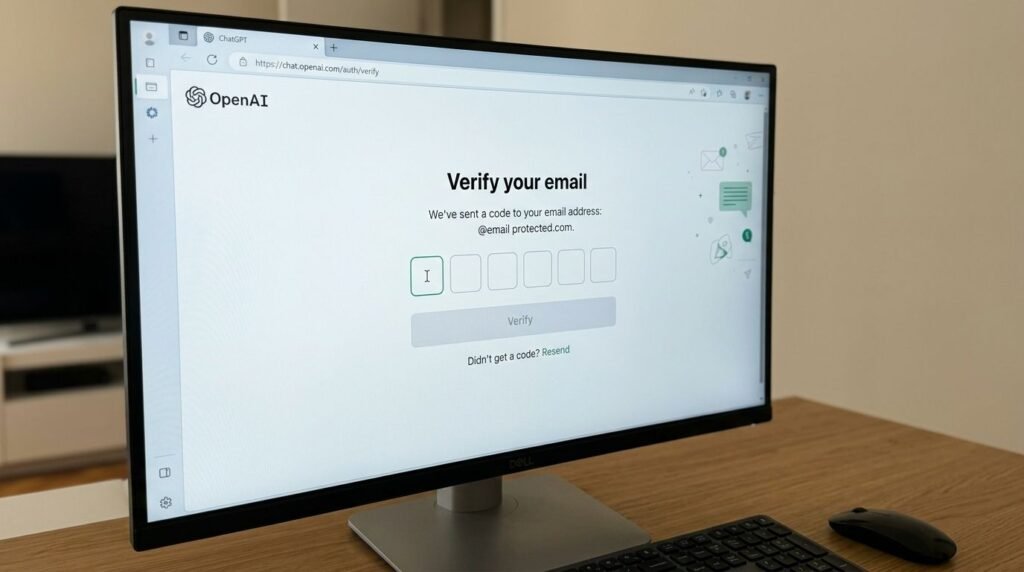
Before jumping into fixes, it helps to understand what’s actually happening behind the scenes. Sending a verification code sounds simple, but it depends on several moving parts working together — OpenAI’s servers, the email provider, the mobile carrier, and the device receiving it.
1. Email Delivery Delays
Verification emails travel through several checkpoints before reaching an inbox. Big email providers like Gmail, Outlook, and Yahoo run spam filters that sometimes flag automated messages, even legitimate ones. A code that should arrive in seconds can occasionally take several minutes, especially during high-traffic periods.
2. Spam or Promotions Folder
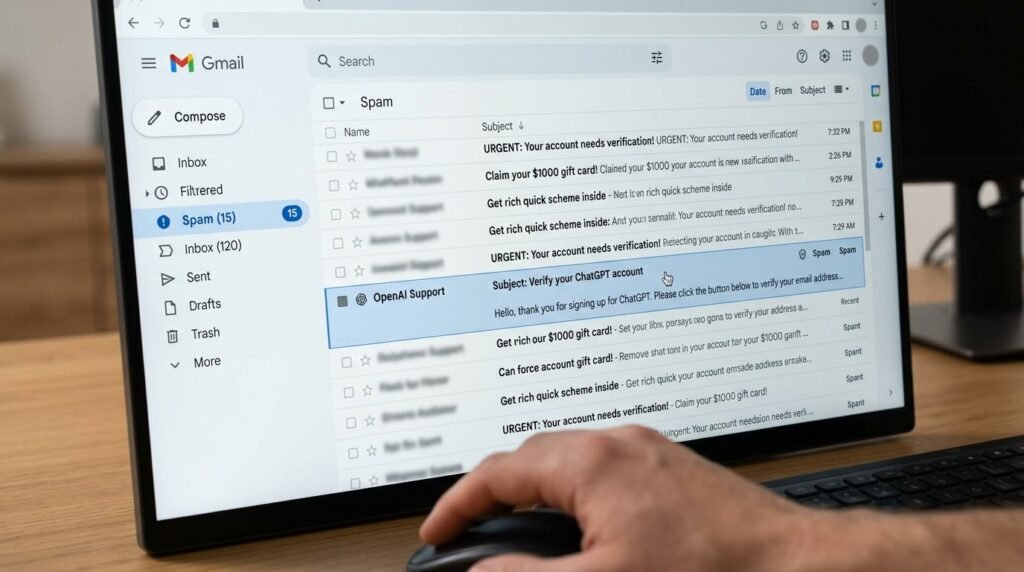
This is, by far, the most common reason people don’t see their code. Automated sign-up emails often get sorted into spam or promotions instead of the primary inbox, simply because the email system doesn’t recognize the sender yet.
3. Typos in Email or Phone Number
A single mistyped character sends the code to the wrong address entirely. This happens more often than most people expect, especially on mobile keyboards.
4. Carrier or SMS Delays
For phone verification, delays can come from the mobile carrier itself. International numbers, prepaid plans, and certain regions sometimes experience slower SMS delivery or blocked short codes.
5. Server-Side Issues on OpenAI’s End
Occasionally, the delay isn’t on the user’s side at all. During periods of heavy sign-up traffic, verification systems can lag. OpenAI has acknowledged in its help resources that verification emails can sometimes be delayed during high demand.
6. VPN or Firewall Interference
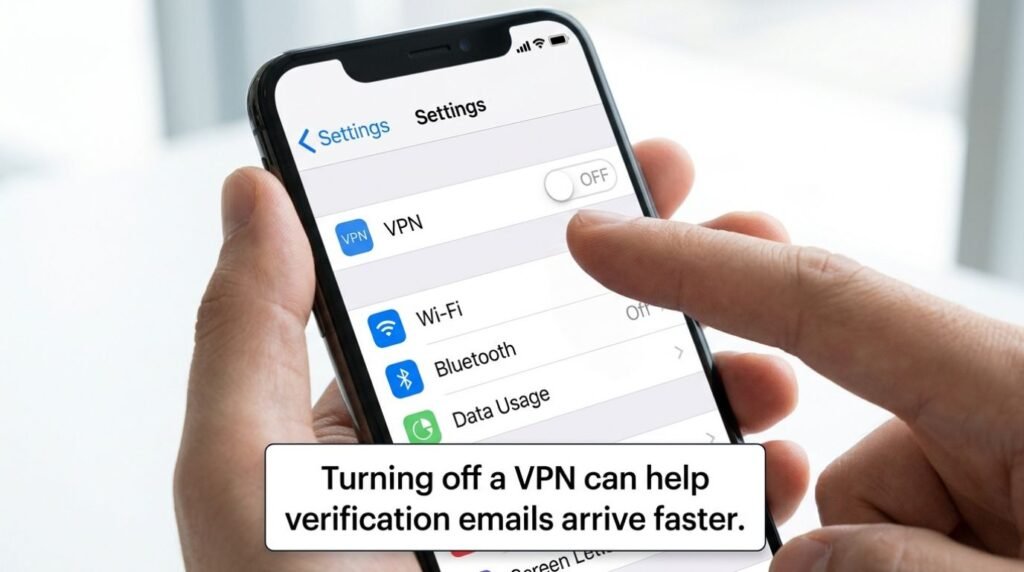
Using a VPN, especially one connected to a region far from the actual account holder, can sometimes trigger extra security checks or delay delivery altogether.
Quick Comparison: Email vs Phone Verification
| Feature | Email Verification | Phone (SMS) Verification |
|---|---|---|
| Speed | Usually 1–5 minutes | Usually instant to 2 minutes |
| Common Delay Cause | Spam filters | Carrier or region restrictions |
| Best For | Most users | Users without reliable email access |
| Reliability Worldwide | High | Varies by country |
| Backup Option | Resend or alternate email | Resend or voice call option |
Step-by-Step: How to Fix “ChatGPT Verification Code Not Received”
Here’s a practical order of steps to follow. Most people solve the issue within the first three or four steps.
- Check the spam, junk, and promotions folders. This solves the problem more often than any other fix. Search the inbox for “OpenAI” or “ChatGPT” directly rather than scrolling manually.
- Wait at least 5–10 minutes. Verification emails and texts aren’t always instant, particularly during busy sign-up periods.
- Double-check the email address or phone number entered. A missing letter or wrong digit sends the code somewhere else entirely.
- Request a new code instead of reusing an old one. Codes typically expire after a short window, so an old code simply won’t work anymore.
- Try a different email provider if possible. Some free email services are slower to deliver automated messages than others.
- Disable VPN or proxy connections temporarily. This reduces the chance of triggering additional security checks.
- Switch between Wi-Fi and mobile data. For phone verification, a weak or unstable connection can delay SMS delivery.
- Restart the device. This clears out temporary network glitches that sometimes block incoming messages.
- Add OpenAI’s sending domain to the email safe list. This prevents future codes from landing in spam.
- Try verifying from a different browser or the mobile app. Occasionally, browser extensions or cached data interfere with the verification page.
- Contact OpenAI Support directly if none of the above works. The OpenAI Help Center allows users to submit a support request with account details.
Pros and Cons of Each Verification Method
| Method | Pros | Cons |
|---|---|---|
| Email Verification | Widely available, easy to resend, works on any device | Can be delayed by spam filters |
| Phone Verification | Often faster, good backup option | Not reliable in every country, carrier delays possible |
Common Mistakes to Avoid
- Requesting too many codes too quickly. Repeated requests in a short time can trigger a temporary rate limit, making the wait even longer.
- Ignoring the spam folder entirely. Many users assume the email never sent when it’s actually sitting in spam the whole time.
- Using a temporary or disposable email address. These often have poor deliverability and get blocked by automated systems.
- Typing the code manually instead of copying it. A single misread digit (like a 0 instead of an O) causes an “invalid code” error.
- Switching networks mid-verification. Changing from Wi-Fi to mobile data while waiting can sometimes reset the session.
- Waiting too long to use the code. Verification codes expire, usually within 10–15 minutes, so unused codes stop working.
[chatgpt is at capacity solution]
Expert Tips
- Search, don’t scroll. Use the inbox search bar and type “OpenAI” instead of manually scanning the inbox — it’s faster and more reliable.
- Whitelist the sender early. Adding OpenAI’s email domain to a contacts list or safe sender list prevents future delays.
- Keep phone numbers updated. According to OpenAI’s own account documentation, keeping contact details current reduces verification issues significantly.
- Avoid signing up during known peak hours. Most users report smoother verification outside of major product launch windows, when server traffic is lower.
- Use a primary, long-term email. Verification systems tend to trust established email addresses more than brand-new or rarely used ones.
[chatgpt conversation not loading]
Frequently Asked Questions
Why is my ChatGPT verification code not received on Gmail? Gmail sometimes routes automated sign-up emails into the spam or promotions tab. Check both folders and search “OpenAI” directly in the search bar.
How long does a ChatGPT verification code stay valid? Most verification codes expire within 10 to 15 minutes. After that, a new code needs to be requested to continue.
Can a VPN block the ChatGPT verification code? Yes, a VPN can sometimes delay or interfere with delivery, especially if it connects through a region different from the account’s usual location.
What should someone do if the phone number verification never arrives? Try requesting the code again after a few minutes, confirm the number was entered correctly, and consider switching to email verification instead.
Is it normal for ChatGPT verification to take several minutes? Yes, during high-traffic periods this is common. OpenAI has noted that delivery can be temporarily slower than usual during peak demand.
Why does ChatGPT say the verification code is invalid even after entering it correctly? This usually happens when the code has expired or a newer code was generated after the first one was sent, making the older code inactive.
Who should someone contact if the verification issue continues after trying everything? The OpenAI Help Center is the official channel for account-specific verification issues that can’t be resolved through basic troubleshooting.
[chatgpt not generating answers]
Conclusion
A missing verification code is annoying, but it’s almost always a quick fix. Checking the spam folder, confirming the entered details, waiting a few minutes, and requesting a fresh code solves the issue for the vast majority of people. When the problem persists, switching networks, disabling a VPN, or reaching out to official support usually clears things up.
Anyone still stuck after trying these steps should reach out through the OpenAI Help Center for account-specific help. For more sign-up and login troubleshooting, check out the related guides linked throughout this article.