
Introduction
Losing access to a Google account feels like losing a set of keys to an entire house. Email, photos, contacts, saved passwords — it’s all sitting behind one login screen, and the moment that screen asks for a phone number that no longer works, panic sets in. The good news is that google account recovery without phone number is absolutely possible. Google doesn’t lock people out forever just because a SIM card got lost, a number was changed, or an old device is sitting in a drawer somewhere. There are legitimate, official paths around this problem, and this guide walks through every one of them in plain language, without any shortcuts that put an account at more risk.
Featured Snippet Answer
To recover a Google account without a phone number, go to Google’s account recovery page, enter the email, and choose “Try another way.” Use a recovery email, security questions, a trusted device, or the last remembered password instead. Google may take a few days to verify identity if none of these are available.
Why Google Asks for a Phone Number in the First Place
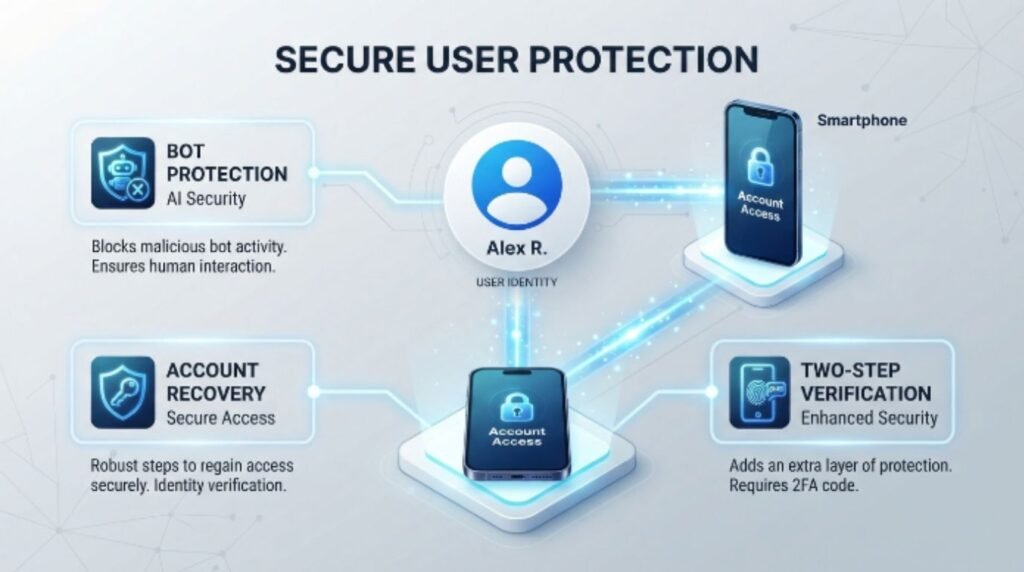
Phone numbers act as a fast, low-friction way to prove that the person trying to log in is the real account owner. A phone number can be used to protect an account, hear about important activity in an account, or reset a forgotten password. It’s quick, it’s tied to a physical SIM card, and it’s harder to fake than a simple email reply. That said, phone numbers change constantly — people switch carriers, travel abroad, lose devices, or simply retire an old number. Google knows this, which is exactly why it built a whole system of alternate verification steps for people who can’t rely on that one method anymore.
Google Account Recovery Without Phone Number: The Real Options
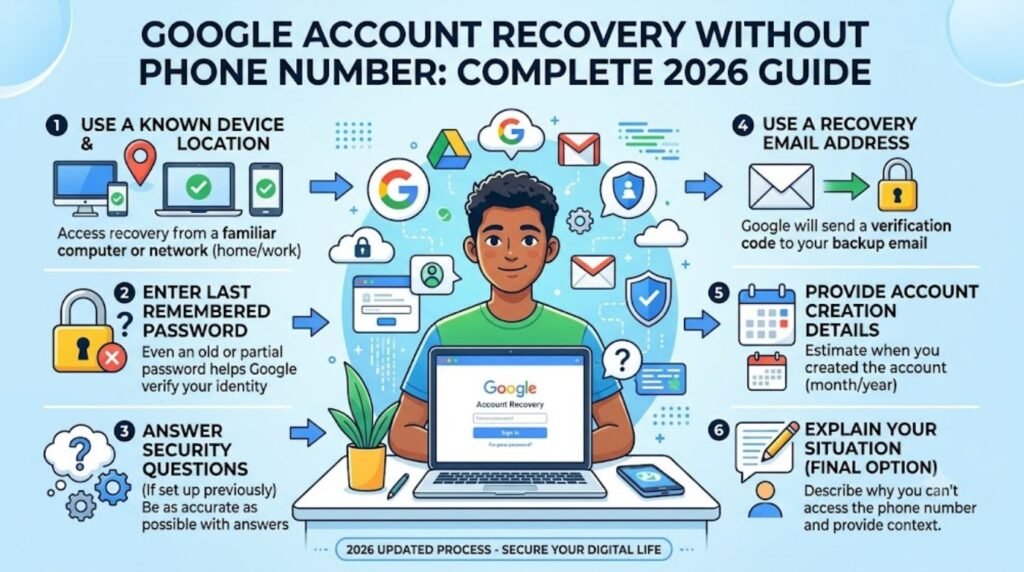
There isn’t a single magic button, but there are several legitimate paths Google offers once the phone number option is unavailable.
1. Recovery Email Address
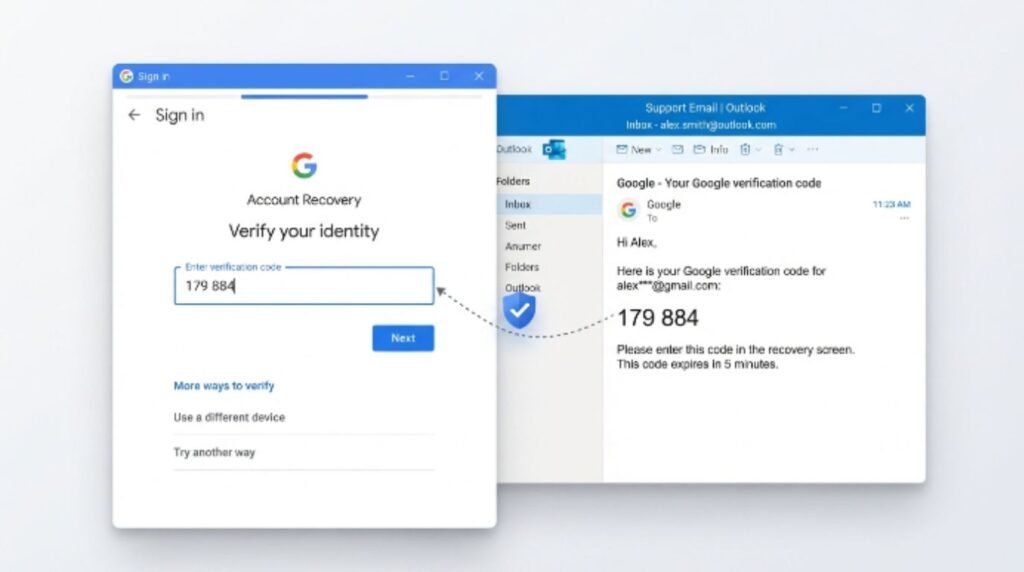
If a recovery email was added to the account at any point, Google can send a verification link or code there instead of texting a number.
2. Security Questions (Older Accounts)
Accounts created many years ago sometimes still have security questions attached. Newer accounts usually don’t get this option anymore, since Google phased it out for most users, but it’s worth checking.
3. A Signed-In Device
If the account is still logged in on any phone, tablet, or browser, that device can confirm identity through a simple tap-to-approve prompt.
4. Last Known Password
Even an old, previously-used password can help Google narrow down that the person requesting access is genuine, especially when combined with other signals like account creation date or frequently used contacts.
5. Account Activity Details
Google sometimes asks about the approximate date the account was created, common email contacts, or labels used in Gmail. These details are hard for a stranger to guess but easy for the real owner to recall.
Step-by-Step Guide: Recovering Your Account
Go to the official Google Account Recovery page. Always type the address directly rather than clicking links from emails or texts, since fake recovery pages are a common trap.
Enter the email address or username tied to the locked account.
Click “Try another way” as soon as Google asks for a phone number that isn’t accessible anymore.
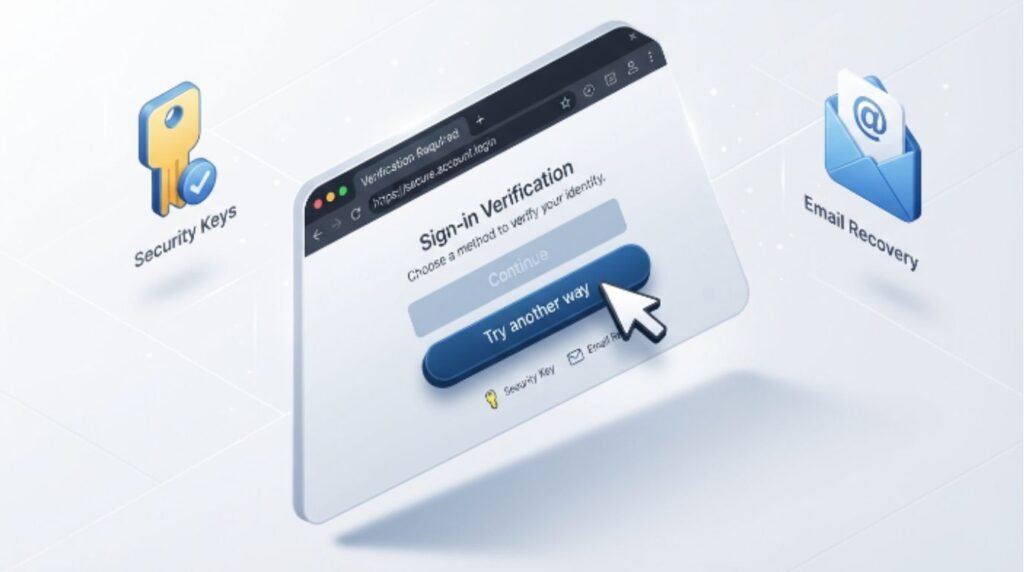
Select the recovery email option, if one exists, and check that inbox for a code.
Answer any security or activity questions as accurately as possible — close guesses often fail, so it helps to really think back.
Check for a signed-in device prompt. If a phone or laptop is still logged into the account, Google may send a one-tap approval request there.
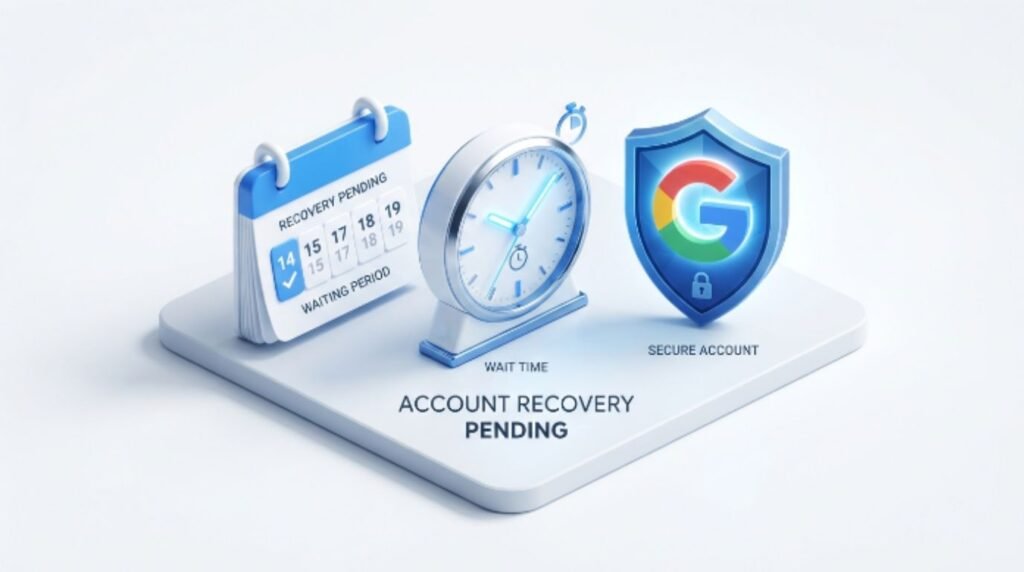
Submit the recovery form and wait. Google states that the verification process may take anywhere from a few minutes to a few days, especially when fewer identity signals are available.
Check email regularly during this waiting period, since Google sends updates and occasionally requests additional proof.
Set a new phone number and strong password immediately after regaining access, so this doesn’t happen again.
[Internal Link: Gmail Not Receiving Emails]
Comparison Table: Recovery Methods Ranked
| Method | Works Without Phone? | Speed | Reliability |
|---|---|---|---|
| Recovery email | Yes | Fast (minutes) | High |
| Signed-in trusted device | Yes | Fast (minutes) | High |
| Security questions | Sometimes (older accounts only) | Fast | Medium |
| Last known password + activity details | Yes | Slower (hours to days) | Medium |
| Google Support manual review | Yes | Slowest (days) | Medium to High |
Pros and Cons of Each Recovery Path
| Method | Pros | Cons |
|---|---|---|
| Recovery email | Fast, official, simple | Useless if that email is also inaccessible |
| Trusted device | No typing codes, one tap | Requires still owning the original device |
| Security questions | No extra hardware needed | Rarely available on newer accounts |
| Manual Google review | Works even with minimal info | Can take several days, no guaranteed outcome |
[Internal Link: Gmail Account Locked]
What to Do If You Also Lost Access to Your Recovery Email
This is the trickiest scenario, but it isn’t hopeless. Google’s recovery form still works even without a phone or a working recovery email — it just leans more heavily on manual verification. During this process, Google typically asks about:
- The approximate month and year the account was created
- Other Google services connected to it, like YouTube or Google Drive
- Names of people frequently emailed or added to Google Contacts
- Any previous passwords ever used, even if forgotten later
Honest, detailed answers matter more than perfect ones. According to official documentation, Google’s system compares these responses against account history to judge whether the request is genuine, so vague or rushed answers tend to slow things down rather than speed them up.
[Internal Link: How to Recover Gmail Password]
Common Mistakes to Avoid
- Trying multiple times in a row. Repeated failed attempts in a short window can flag the request as suspicious and slow down review.
- Using a public or shared computer for recovery, which can raise security flags and expose the process to others.
- Ignoring the “Try another way” button and giving up the moment a phone number is requested.
- Guessing security answers randomly instead of taking time to actually recall them.
- Clicking recovery links from unsolicited emails or texts, which are frequently phishing attempts disguised as Google support.
- Creating a brand-new Google account out of frustration, which often causes people to lose years of Gmail history, Photos, and Drive files permanently.
Expert Tips to Speed Up Recovery
Google recommends using a device and location that’s familiar to the account whenever possible, since IP address and device history are part of how the system judges trustworthiness. Most users report better results when they attempt recovery from the same city, Wi-Fi network, or browser they’ve historically used to log in. It also helps to answer every optional field on the recovery form rather than skipping ahead — more accurate detail generally means a faster decision. Finally, patience pays off: submitting the form once and checking back daily tends to work better than repeatedly restarting the process, which can reset the review timer.
[Internal Link: Google Photos Not Syncing]
How to Prevent This From Happening Again
Once access is restored, a few small habits make future lockouts far less likely:
- Add a working recovery email that isn’t tied to the same phone number.
- Set up two-factor authentication using an authenticator app instead of SMS, since apps don’t depend on a working SIM card.
- Print or securely store backup codes somewhere safe, like a password manager or a locked drawer.
- Keep at least one device permanently signed into the account for emergency approval prompts.
- Review account recovery settings once a year, especially after switching phones or carriers.
[Internal Link: Best Password Managers 2026]
For more detail on setting these up correctly, Google Search Central and Google’s own support documentation walk through each option with screenshots and current interface details.
[Internal Link: Two-Factor Authentication Explained]
FAQs
1. Can Google account recovery without phone number actually work? Yes. Google offers recovery emails, trusted devices, and manual review as alternatives, and thousands of users successfully regain access this way every day.
2. How long does account recovery take without a phone number? It varies. Some cases resolve within minutes using a recovery email, while others with limited information can take a few days for manual review.
3. What if the recovery email is also outdated? Google can still process the request through security questions, trusted devices, or detailed account history, though it may take longer.
4. Is it safe to use third-party “Google recovery service” websites? No. Only Google’s official recovery page should ever be used; third-party sites are almost always phishing scams.
5. Will creating a new Google account solve the problem faster? It might feel faster, but it means permanently losing old emails, photos, and files, so recovery should always be tried first.
6. Does Google charge money for account recovery? No, Google’s account recovery process is completely free through official channels.
7. Can two-factor authentication apps replace phone number verification? Yes, authenticator apps like Google Authenticator work independently of a phone number and are one of the most reliable backup methods available.
[Internal Link: Fix Google Authenticator Not Working]
Conclusion
Getting locked out of a Google account without access to the linked phone number is stressful, but it’s rarely permanent. Between recovery emails, trusted devices, security questions, and Google’s manual review process, there’s almost always a legitimate path back in. The key is patience, honesty on the recovery form, and steering clear of shady third-party “recovery” sites that promise instant fixes. Once access is restored, take a few minutes to add a backup email and switch to an authenticator app — small steps now that make google account recovery without phone number a problem that never needs to happen again.