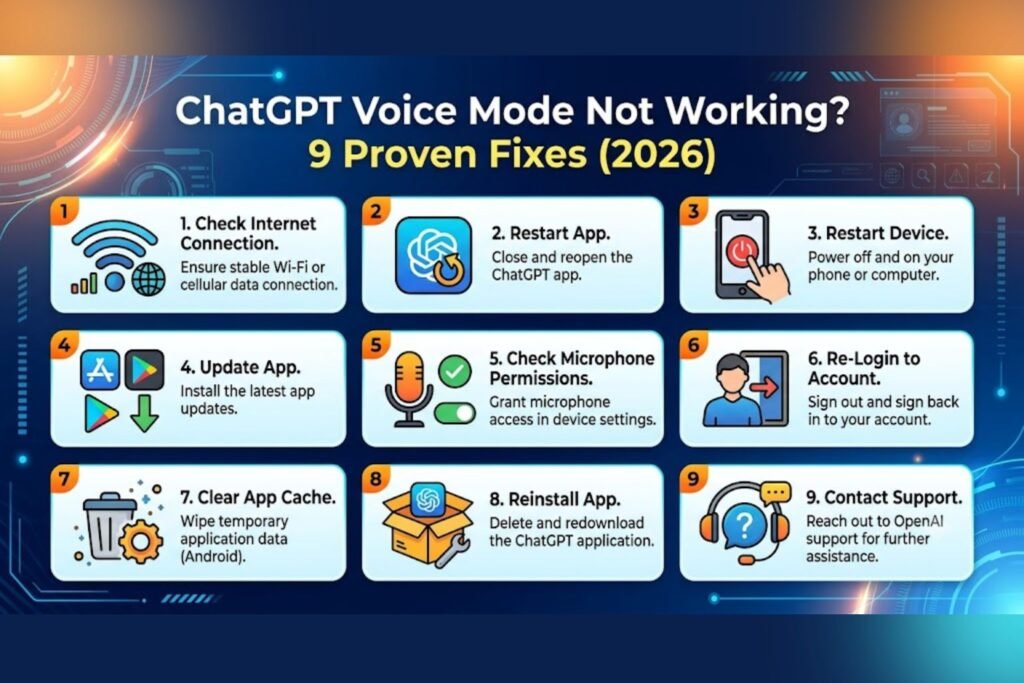

Introduction
ChatGPT Voice Mode Not Working. Talking to ChatGPT feels almost like calling a friend, until the microphone icon just sits there and does nothing. If ChatGPT voice mode is not working right now, it’s rarely one single cause. Sometimes it’s a blocked microphone permission. Sometimes OpenAI’s servers are having a rough day. And sometimes it’s something as small as an outdated app sitting quietly on your phone. This guide walks through every reason ChatGPT voice mode stops working and gives clear, tested steps to fix it, whether it happens on an iPhone, Android phone, or a laptop browser. No jargon, no guesswork, just a practical checklist anyone can follow in a few minutes.
Featured Snippet Answer
ChatGPT voice mode usually stops working because of blocked microphone permissions, a server outage, an outdated app, or a plan restriction. Check OpenAI’s status page first, then confirm microphone access in your device settings, update the app, and restart the conversation. Most fixes take under five minutes.
Why Is ChatGPT Voice Mode Not Working?
Before jumping into fixes, it helps to understand what’s actually going on behind that spinning icon. Voice mode relies on several moving parts working together at once: your device’s microphone, your internet connection, the app itself, and OpenAI’s servers on the other end. If any single piece breaks, the whole feature can feel broken even though only one small thing is wrong.
Here are the most common culprits, roughly in order of how often they show up:
- Microphone permission blocked at the app or operating system level
- Outdated app version that hasn’t caught up with the latest voice update
- Server-side outage on OpenAI’s end, which happens more often than people realize
- Weak or unstable internet connection, since voice mode streams audio in real time
- Browser extensions or VPNs interfering with the audio connection
- Account or plan limits, since voice access can vary by subscription tier
- Regional restrictions, in a small number of countries with strict network filtering
Most users report that permission issues and outdated apps account for the bulk of complaints, while server outages tend to cause the most confusion because everything looks fine on the user’s end.
Comparison: Voice Mode Issues by Platform
| Platform | Common Cause | Typical Fix | Fix Difficulty |
|---|---|---|---|
| iPhone (iOS app) | Microphone permission disabled | Enable mic in iOS Settings | Easy |
| Android app | Outdated app version | Update via Play Store | Easy |
| Desktop browser (Chrome) | Browser blocked mic access | Allow mic in site settings | Easy |
| Desktop app (Mac/Windows) | System-level mic permission | Update OS privacy settings | Medium |
| Any device | OpenAI server outage | Wait and check status page | Not user-fixable |
[chatgpt is at capacity solution]
Step-by-Step Guide to Fix ChatGPT Voice Mode
Step 1: Check OpenAI’s Status Page First
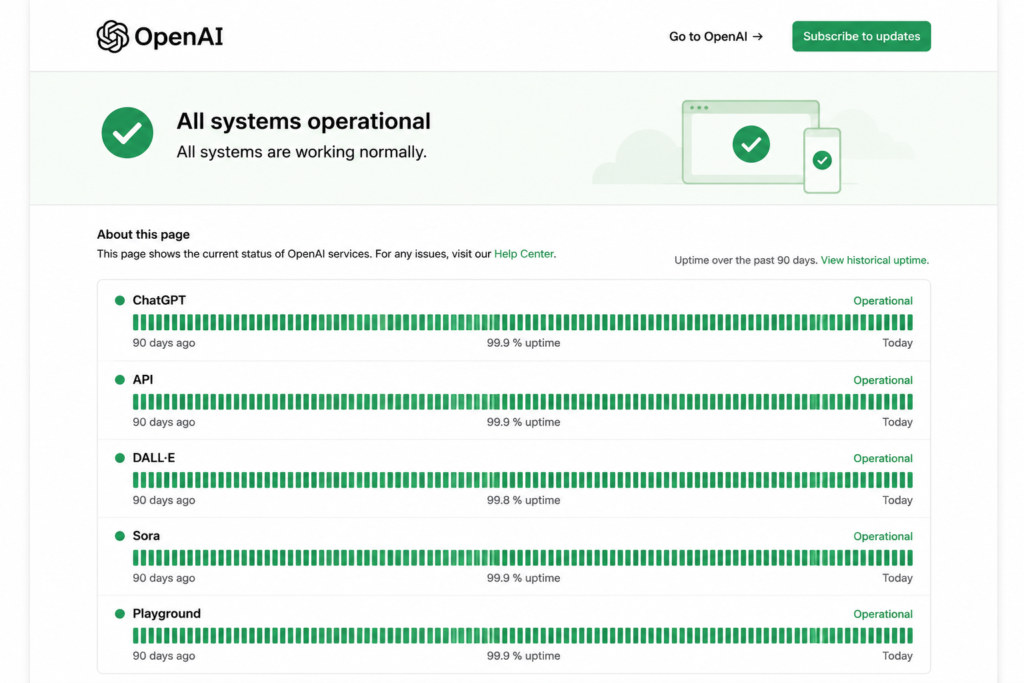
Before touching any settings, it’s worth ruling out a server issue. OpenAI maintains a public status page that lists ongoing incidents, including ones that affect voice mode specifically. If there’s an active outage listed, no amount of fiddling with permissions will help. The fix in that case is simple: wait it out and try again in a little while.
Step 2: Confirm Your Subscription Includes Voice Access
Voice mode availability has shifted over time, and it can depend on your account type. Free accounts sometimes get limited daily voice access, while Plus, Team, and Enterprise plans usually get fuller access. If the voice icon looks greyed out or disappears entirely, it’s worth double-checking your plan details inside account settings.
[chatgpt conversation not loading]
Step 3: Check Microphone Permissions on Your Device
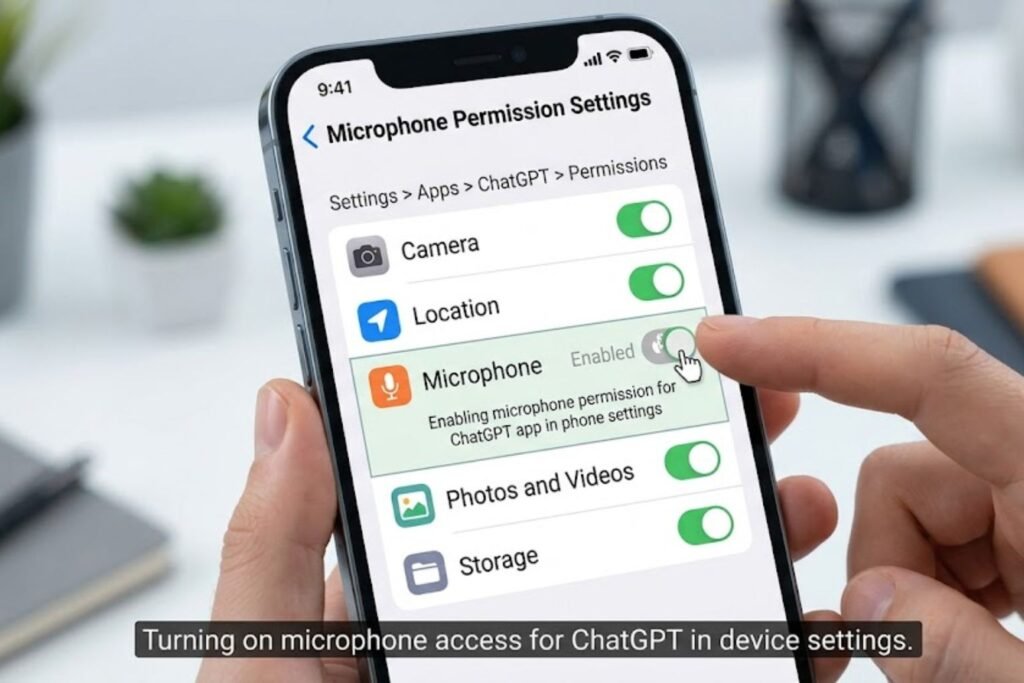
This is the single most common fix, and it takes less than a minute.
- On iPhone: Go to Settings, scroll to the ChatGPT app, and make sure Microphone access is turned on.
- On Android: Go to Settings > Apps > ChatGPT > Permissions, and enable Microphone.
- On a browser (Chrome, Edge, Safari): Click the lock icon next to the address bar and confirm microphone access is set to Allow for chatgpt.com.
[Internal Link: ChatGPT Not Loading]
Step 4: Restart the App or Refresh the Page
It sounds almost too simple, but closing the app completely and reopening it clears a surprising number of temporary glitches. On desktop, a full page refresh, or closing the tab and reopening it, often does the same job.
Step 5: Update the App to the Latest Version
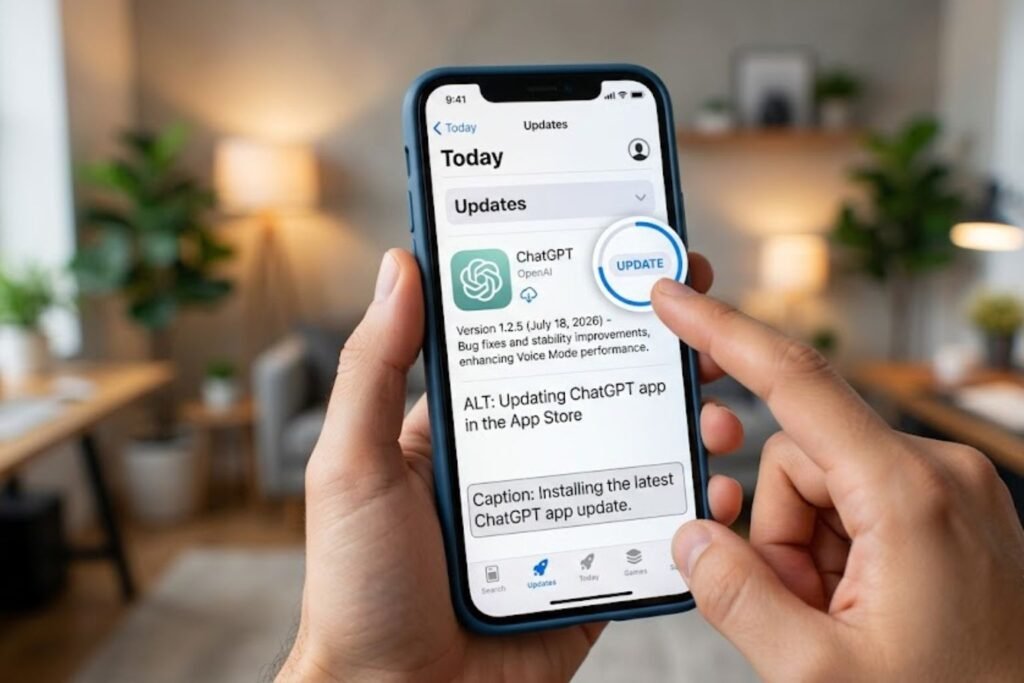
Voice mode has been updated frequently since its launch, and an older app version can quietly break features without any obvious error message. Head to the App Store or Google Play Store, check for updates, and install the latest version before trying again.
Step 6: Test Your Internet Connection
Voice mode streams audio back and forth continuously, so a shaky connection can cause dropped calls, delays, or a session that never quite connects. Switching from public Wi-Fi to mobile data, or vice versa, is a quick way to test whether the network is the actual problem.
Step 7: Disable VPNs and Browser Extensions Temporarily
VPNs and certain privacy-focused browser extensions can interfere with the real-time audio connection voice mode depends on. Turning these off temporarily, then testing voice mode again, helps identify whether one of them is the culprit.
[chatgpt not generating answers]
Step 8: Clear App Cache (Android) or Reinstall (iOS/Desktop)
If nothing else has worked, clearing the app’s cache on Android, or fully deleting and reinstalling the app on iPhone or desktop, resolves most remaining issues. This step takes a couple of minutes but works when everything else has failed.
Step 9: Contact OpenAI Support
If voice mode still won’t work after all of the above, the remaining issue is likely account-specific or a bug on OpenAI’s end. Reaching out through OpenAI’s official help center gets it in front of someone who can look at account-level logs.
[chatgpt upload image not working]
Pros and Cons of ChatGPT Voice Mode
| Pros | Cons |
|---|---|
| Feels natural, like a real conversation | Occasionally glitchy during updates |
| Great for hands-free multitasking | Limited or unavailable on some free accounts |
| Supports multiple languages | Depends heavily on connection quality |
| Useful for practicing speaking or language learning | Can misfire in noisy environments |
Common Mistakes to Avoid
- Reinstalling the app immediately, without first checking permissions or the status page, wastes time on a fix that often isn’t needed.
- Changing five settings at once, which makes it impossible to know what actually solved the problem.
- Ignoring the status page, and assuming the issue is always local when it’s sometimes a wider outage.
- Forgetting to check the plan tier, especially after account changes or downgrades.
- Using an outdated app for weeks, then being surprised when a feature quietly breaks.
Expert Tips
According to official OpenAI documentation, voice mode performs best on a stable Wi-Fi or strong cellular connection, since it relies on continuous audio streaming rather than short bursts of data. Google’s own accessibility guidance on voice-based tools also recommends testing microphone access in a quiet environment first, since background noise can sometimes be mistaken for a hardware problem.
A simple habit that helps long-term: test the microphone in a basic app, like Voice Memos or the phone’s built-in recorder, before assuming ChatGPT itself is broken. If the phone can’t hear the user in any app, the fix is a device-level microphone issue, not something ChatGPT caused.
FAQs
1. Why does ChatGPT voice mode keep disconnecting? This usually points to an unstable internet connection. Switching networks, moving closer to a router, or testing on mobile data often resolves it quickly.
2. Is ChatGPT voice mode free to use? Voice access can vary by plan, and free accounts may have limited daily use. Checking the current plan details in account settings gives the most accurate answer.
3. Why is the microphone icon greyed out in ChatGPT? A greyed-out icon almost always means microphone permission hasn’t been granted, either at the app level or the operating system level.
4. Does ChatGPT voice mode work without Wi-Fi? Yes, it can work on mobile data, though a strong and stable signal gives the smoothest experience.
5. Why does ChatGPT voice mode not understand what I’m saying? Background noise, a poor microphone, or speaking too far from the device are the most common reasons for misheard words.
6. Can a VPN break ChatGPT voice mode? Yes, some VPNs interfere with the real-time audio connection voice mode needs, so turning it off temporarily can help confirm this.
7. What should someone do if none of the fixes work? Reaching out to OpenAI’s official support team is the best next step, since the issue may be account-specific and require a closer look.
[chatgpt is at capacity solution]
Conclusion
Voice mode problems in ChatGPT almost always trace back to one of a handful of causes: a blocked microphone, an outdated app, a shaky connection, or a temporary outage on OpenAI’s side. Working through the steps above in order, starting with the status page and microphone permissions, solves the issue for most people within a few minutes. If ChatGPT voice mode is still not working after trying everything here, reaching out to OpenAI support is the next best move. For more help with everyday ChatGPT hiccups, check out related guides on login issues and general troubleshooting.
[Internal Link: ChatGPT Troubleshooting Hub]