
Introduction
A lot of publishers open Google Search Console one morning and notice something strange — traffic from Discover has dropped to almost nothing, or their site never showed up there at all. If Discover not showing website content is the exact problem, the good news is that it’s rarely random. Google Discover works differently than regular search, and a handful of technical or content issues usually explain the drop. This guide walks through why Discover stops showing a site, how to check what’s actually happening, and the specific steps that tend to bring visibility back. Nothing here is guesswork — it’s based on official documentation from Google Search Central and patterns that site owners consistently report.
Featured Snippet Answer
Discover not showing website content usually happens because of low-quality or clickbait content, missing or small images, thin E-E-A-T signals, technical crawl issues, or a manual action. Google Discover uses AI ranking signals, not keywords, so fixing content quality and page experience is the fastest way to reappear.
What Is Google Discover, Really?
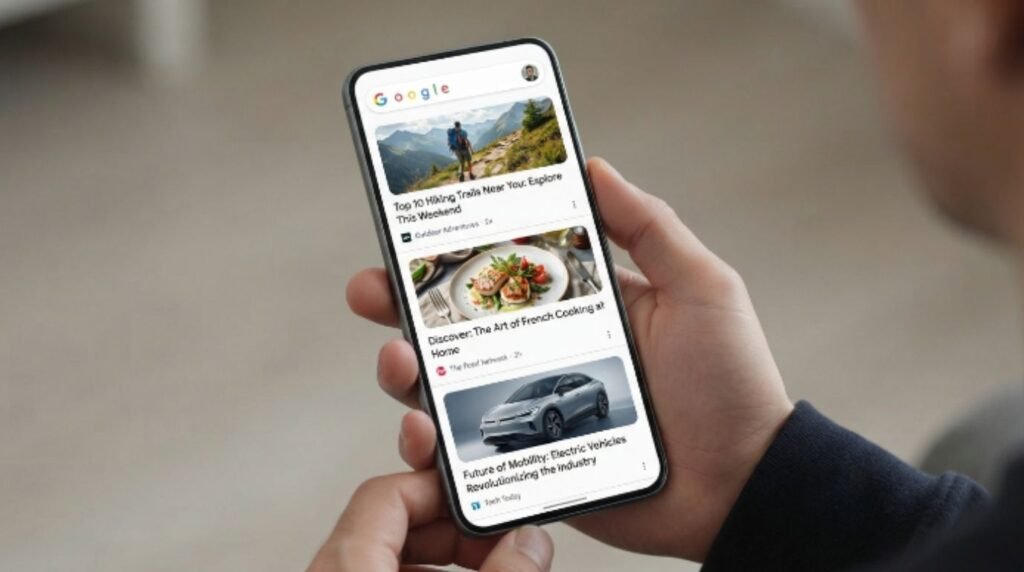
Google Discover is a personalized content feed that appears on the Google app, the Google homepage on mobile, and inside Chrome’s “For You” tab. Unlike traditional Google Search, people don’t type a query to see Discover content — it’s shown based on their interests, browsing history, and location.
That’s the first thing to understand: there’s no keyword to “rank” for in Discover. Google explains that content appears based on a user’s activity and interests rather than a specific search. This is why a site can rank #1 in Google Search and still be completely absent from Discover.
[Internal Link: How Google Discover Works]
Why Is Discover Not Showing Website Content? (Main Reasons)
There isn’t one single reason Discover stops showing a website. It’s usually a combination of the following.
1. The Content Doesn’t Meet Discover’s Quality Bar
Discover leans heavily on Google’s helpful content and E-E-A-T guidelines (Experience, Expertise, Authoritativeness, Trustworthiness). Thin articles, reworded press releases, or content that reads like it was rushed rarely gets picked up.
[Internal Link: What Is E-E-A-T in SEO]
2. Clickbait Titles or Misleading Headlines
Google has been very direct about this one. According to official documentation, Discover actively penalizes exaggerated, shocking, or misleading headlines, since the goal of Discover is to keep users satisfied, not just clicked-through.
3. Missing or Low-Quality Images
Discover is a visual feed. A page without a large, high-quality image is far less likely to appear, and even when it does, it will show as a small, less clickable card.
[Internal Link: Best Image Size for Google Discover]
4. Technical Crawl or Indexing Problems
If Googlebot can’t crawl or index a page properly, it simply can’t appear in Discover. This includes noindex tags left in by mistake, blocked resources in robots.txt, or slow-loading pages.
[Internal Link: Google Not Indexing My Website]
5. A Manual Action or Policy Violation
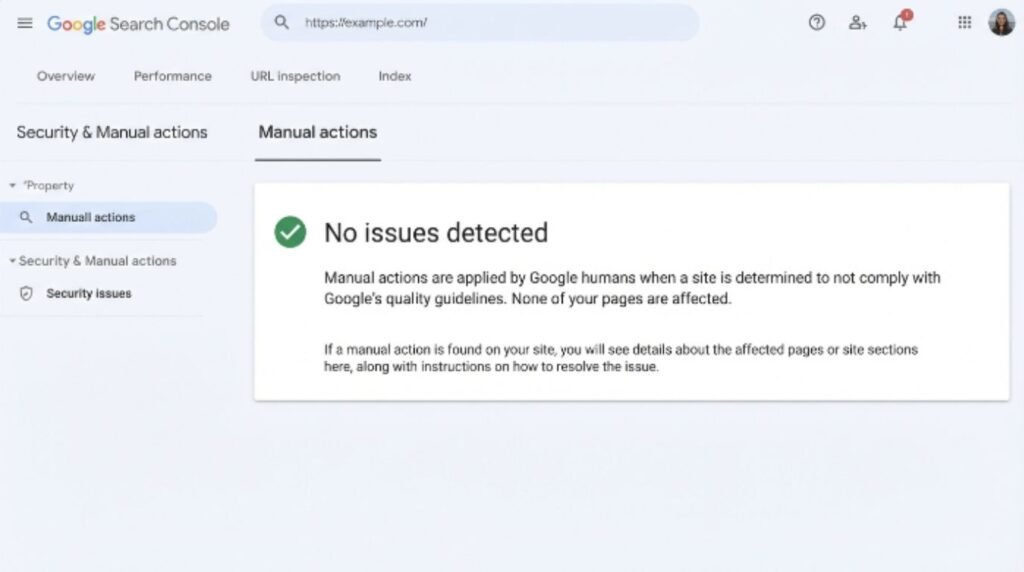
Sites that violate Google’s spam policies can be removed from Discover specifically, even while still appearing in regular search results. This shows up in Search Console under manual actions.
[Internal Link: Google Manual Action Fix Guide]
6. Sudden Traffic Drop After a Core Update
Google rolls out broad core updates and Discover-specific algorithm changes multiple times a year. Most users report visibility swings shortly after these updates, especially for sites relying on trend-based or news content.
7. Inconsistent Publishing or Site Reputation Issues
Sites that publish rarely, or that mix high-quality and very low-quality content on the same domain, tend to get inconsistent Discover treatment.
[Internal Link: How Often Should You Publish for SEO]
Discover vs. Google Search: Key Differences
| Feature | Google Search | Google Discover |
|---|---|---|
| Triggered by | A typed search query | User interests and browsing behavior |
| Ranking basis | Keywords + relevance + authority | Content quality + engagement signals |
| Headline style | Descriptive, keyword-based | Must be non-clickbait, honest |
| Image requirement | Optional | Strongly recommended, large image preferred |
| Control level | High (keyword targeting works) | Low (no direct way to “target” it) |
| Traffic pattern | Steady, query-driven | Spiky, trend and interest-driven |
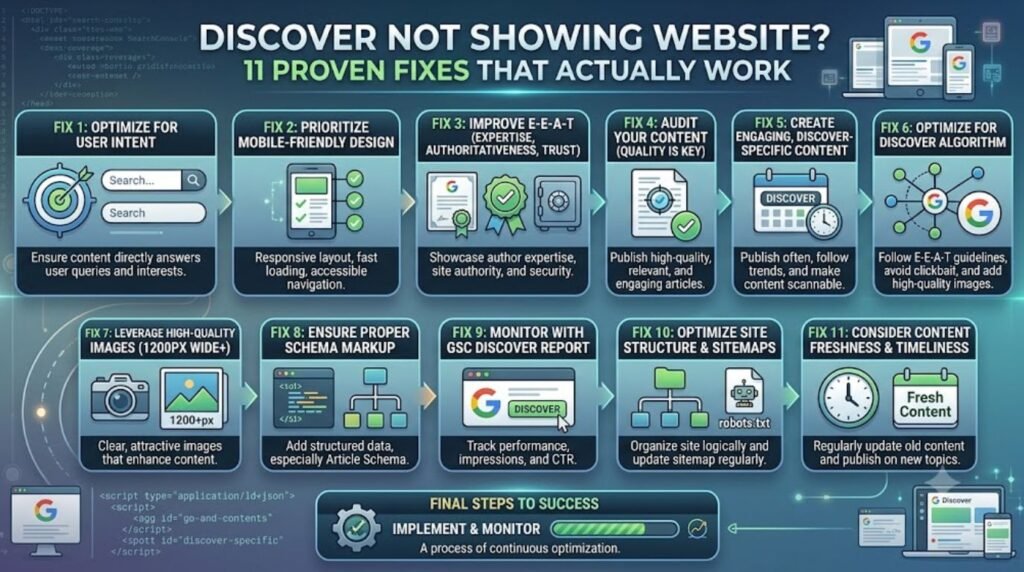
Step-by-Step: How to Fix Discover Not Showing Website Content
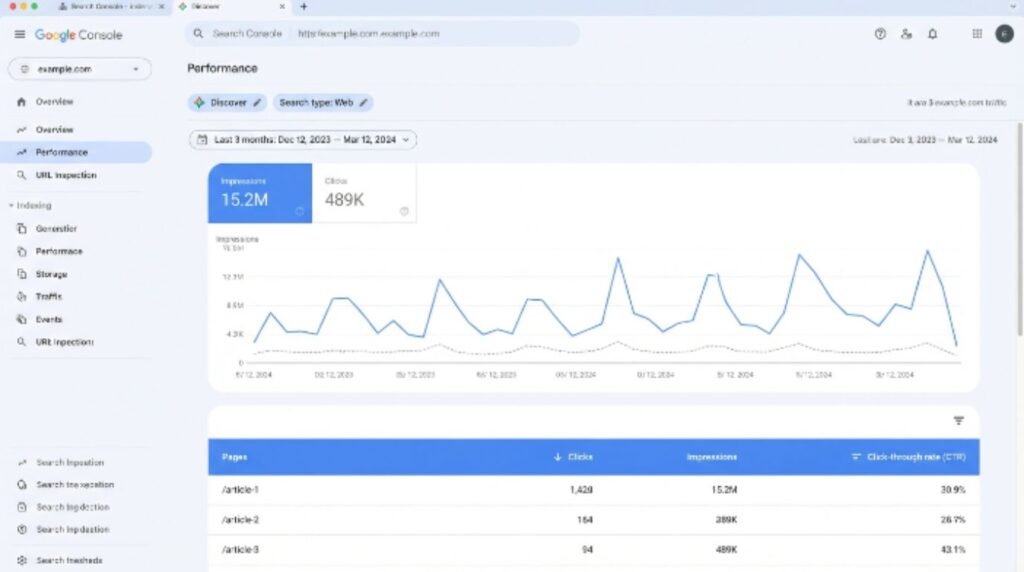
Open Google Search Console and go to the Discover performance report. If there’s no data at all, the site may never have qualified for Discover, which is common for newer or smaller sites.
Check for manual actions under Security & Manual Actions. Resolve any listed issue before doing anything else.
Confirm indexing status using the URL Inspection tool. Make sure key pages are marked “URL is on Google” and not blocked by noindex or robots.txt.
Review headlines on recent articles. Rewrite anything that overpromises, uses ALL CAPS, or teases information without answering it.
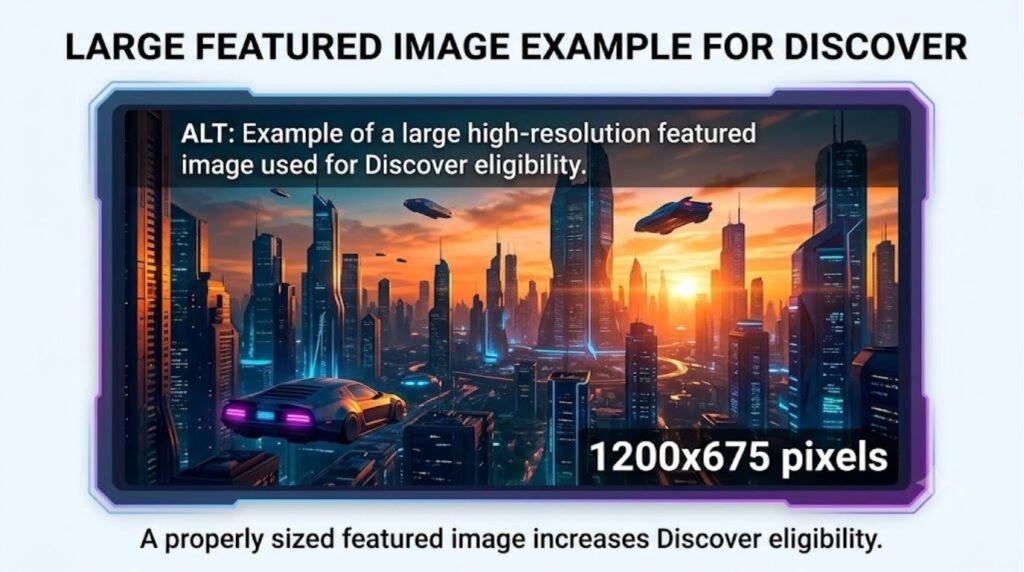
Add a large, original image (at least 1200px wide) to every article, and enable the max-image-preview:large setting in the robots meta tag, since Google Search Central recommends this for eligibility.
Improve page experience — check Core Web Vitals in Search Console and fix slow-loading or layout-shifting pages.
Audit content quality against Google’s helpful content guidelines. Remove or rewrite thin, outdated, or duplicate pages.
Check E-E-A-T signals — author bios, about pages, and clear sourcing all help.
Avoid AI-generated content that hasn’t been reviewed by a real editor, since Google’s guidance treats unreviewed automated content as a quality risk.
Publish consistently rather than in unpredictable bursts.
Wait and monitor. Discover changes are rarely instant — most sites see gradual movement over several weeks after fixes are applied.
[Internal Link: How to Use Google Search Console for Beginners]
Pros and Cons of Relying on Google Discover
| Pros | Cons |
|---|---|
| Can send large traffic spikes | No way to directly target or guarantee it |
| No keyword competition involved | Traffic is unpredictable and can disappear fast |
| Rewards genuinely helpful, well-presented content | Heavily penalizes clickbait, even accidentally |
| Great for evergreen and timely content mix | Requires strong images and technical health |
Common Mistakes to Avoid
- Assuming Discover works like normal SEO and stuffing headlines with keywords.
- Using stock images that are reused across many articles.
- Ignoring mobile page speed, since almost all Discover traffic is mobile.
- Publishing without an author name, date, or clear sourcing.
- Treating a temporary Discover dip as a permanent ban without checking Search Console first.
- Copying or lightly rewriting content from other websites.
[Internal Link: ChatGPT Content Detection and SEO Risk]
Expert Tips to Get Featured in Discover
- Write headlines that would still make sense if read out loud on the news — clear, honest, specific.
- Use one strong, original, high-resolution image per article rather than several small ones.
- Keep an evergreen content mix rather than only chasing trending topics.
- According to official documentation, sites with a track record of trustworthy, well-sourced reporting tend to get more consistent Discover visibility over time.
- Add structured data where relevant, since it helps Google understand context, even though it isn’t a direct ranking factor for Discover.
- Monitor the Discover report in Search Console weekly instead of only checking after a traffic drop.
[Internal Link: Google Search Console Performance Report Explained]
FAQs
1. Why did my website disappear from Google Discover suddenly? Sudden drops are usually tied to a core algorithm update, a content quality issue, or a technical indexing problem. Checking Search Console’s Discover report is the fastest way to confirm the cause.
2. Does Google Discover use keywords like normal SEO? No. Discover ranks based on user interest signals and content quality rather than keyword matching, so keyword optimization alone won’t bring a site back.
3. How long does it take to get back into Google Discover? There’s no fixed timeline. Most site owners report gradual recovery over two to six weeks after fixing quality and technical issues.
4. Do I need AMP pages to appear in Discover? No, AMP is no longer required. Standard pages that meet Core Web Vitals and image requirements are eligible.
5. Can a new website appear in Google Discover? Yes, but it typically needs enough indexed, quality content and some level of established trust before Discover starts surfacing it regularly.
6. Does image size really affect Discover visibility? Yes. Google recommends large, high-quality images since Discover often displays bigger visual cards, and pages without a qualifying image show smaller or get skipped.
7. Is there a way to manually request inclusion in Discover? No. There’s no submission tool for Discover specifically. The only path is meeting Google’s quality, technical, and image guidelines consistently.
[Internal Link: Google Discover FAQ Hub]
Conclusion
Discover not showing website content is frustrating, but it’s almost always traceable to a specific, fixable cause — whether that’s a clickbait headline, a missing image, a technical indexing gap, or a broader content quality issue. The sites that recover fastest are the ones that treat Discover as a reward for consistently helpful, well-presented, technically sound content rather than something to “hack.” Start with the Search Console Discover report, work through the steps above, and give changes a few weeks to take effect. For a deeper technical check, it’s worth reviewing Google Search Console Help directly.