
Introduction
Anyone who has tried to drop a favorite song into an Instagram Story only to see “music not available” knows how frustrating that little message can be. One minute a song is playing perfectly in someone else’s Reel, and the next, it’s grayed out on a personal account with no explanation. Instagram music not available errors are one of the most common complaints among casual users, small business owners, and content creators alike, and the reasons behind them are rarely obvious from the app itself.
This guide breaks down exactly why the error shows up, what actually controls music access on Instagram, and the practical steps that tend to resolve it. Nothing here requires technical skill — just a few settings checks and a bit of patience.
Featured Snippet Answer
Instagram music not available usually happens because of licensing restrictions tied to a user’s country, business account limitations, or an outdated app version. Personal accounts in supported regions with the latest app version typically have full access, while business or creator accounts, VPN use, and certain countries face permanent or temporary limits.
Why Does Instagram Say “Music Not Available”?
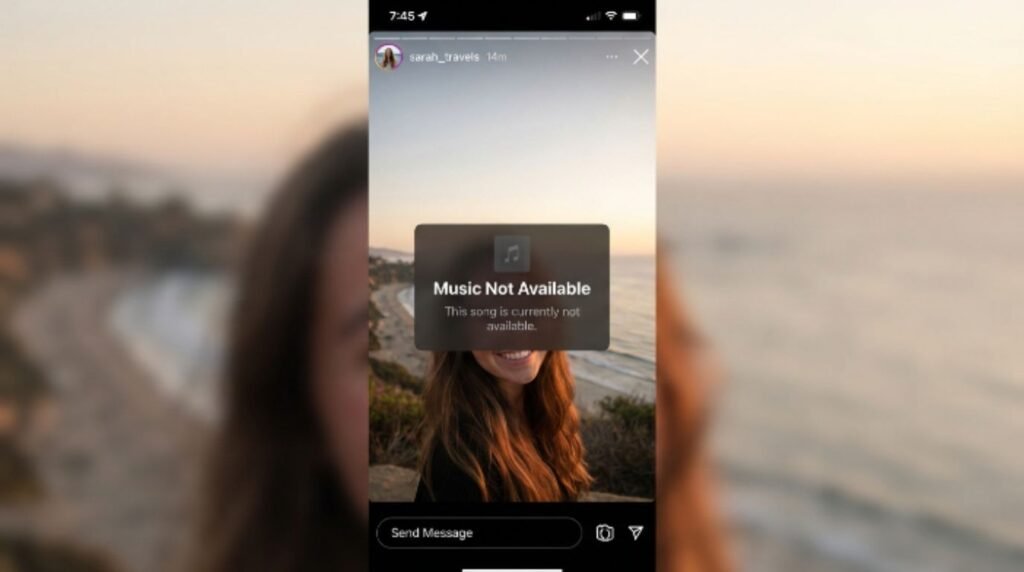
The “music not available” message is not a bug in most cases — it’s a licensing wall. Instagram, which is owned by Meta, pays music labels and publishers for the right to let people use songs in Stories, Reels, and posts. Those deals are negotiated country by country, and sometimes even song by song. [Internal Link: Instagram Not Working] When a track isn’t licensed in a specific country, Instagram blocks it there, regardless of how popular the song is elsewhere.
There are a few overlapping reasons this happens:
1. Regional licensing gaps. A song can be fully licensed in the United States but completely unavailable in Germany, Turkey, or several other markets due to local copyright agreements. Meta has publicly acknowledged that music licensing varies by country, and this is one of the most frequent explanations users run into.
2. Business or creator account restrictions. According to official Meta documentation, business accounts have historically had reduced access to Instagram’s full music library compared to personal accounts. This is meant to protect commercial use of licensed music, since businesses using songs for promotional content falls under different copyright rules than personal use. [Internal Link: Instagram Business Account Setup]
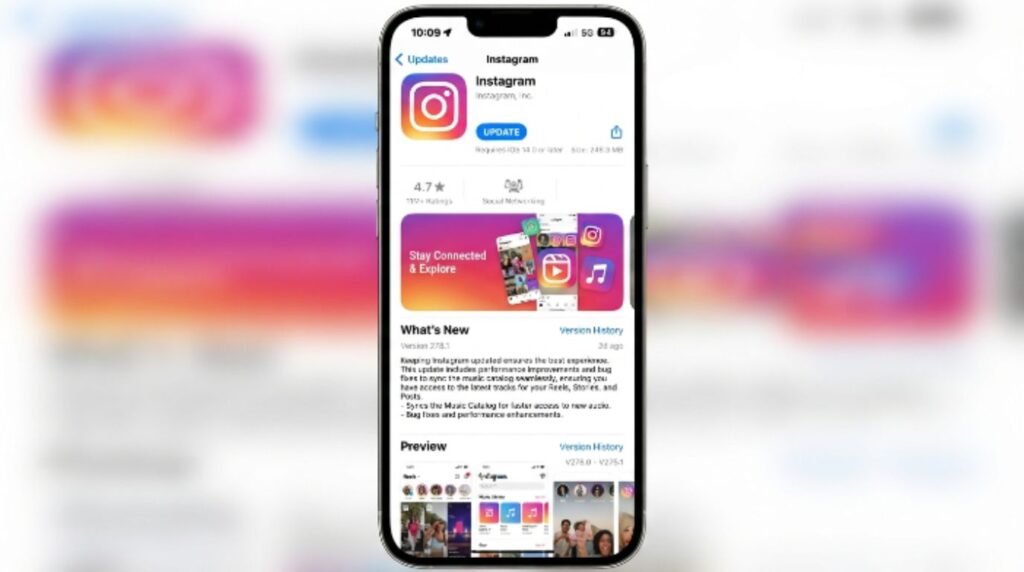
3. Outdated app version. Instagram frequently updates its music catalog, and an old app version may not sync properly with licensing changes, causing songs to appear as unavailable even when they technically are accessible.
4. VPN or location mismatch. Using a VPN can confuse Instagram’s location detection, which directly affects the music catalog shown. Since licensing is location-based, the app may serve a completely different (and more restricted) library than the one available in a person’s actual country. [Internal Link: Instagram Location Settings Explained]
5. Copyright claims on user-uploaded audio. If someone tries to use audio ripped from another video rather than Instagram’s official music library, the app’s copyright detection system can flag and block it.
6. Temporary licensing expiration. Some tracks are only licensed for a limited time. A song that worked in a Reel last month might lose its license and become unavailable without warning.
Instagram Music Availability by Region: A Quick Comparison
| Region | Typical Music Access | Common Restrictions |
|---|---|---|
| United States | Full catalog, most songs | Business accounts still limited |
| United Kingdom | Broad catalog | Some newer releases delayed |
| Canada | Broad catalog | Similar to UK restrictions |
| European Union | Inconsistent by country | Licensing disputes cause frequent gaps |
| India | Limited catalog | Business accounts heavily restricted |
| Middle East | Limited catalog | Certain content and songs blocked |
| Southeast Asia | Varies widely | Local licensing deals still developing |
This table reflects general patterns reported by users and documented by Meta’s help resources rather than a guaranteed list, since licensing terms shift often. [Internal Link: Instagram Reels Not Playing Sound]
Step-by-Step: How to Fix Instagram Music Not Available
Most people can resolve this issue without contacting support. Here’s the order worth trying:
Update the Instagram app. Open the App Store or Google Play, check for pending updates, and install the latest version. Music catalog syncing often depends on running the current build.
Restart the app completely. Close Instagram fully (not just minimize it) and reopen it. This forces the app to refresh its cached music library.
Check the account type. Go to Settings → Account, and see whether the account is set to Personal, Creator, or Business. Switching a Business account to Personal (temporarily, if appropriate) often restores full music access. [Internal Link: Instagram Creator Account Benefits]
Turn off any VPN. Disable VPN or proxy apps, then reopen Instagram so it can detect the actual location correctly.
Confirm the correct region setting. In some cases, the phone’s region setting under general device settings doesn’t match the country actually being used from, which can affect Instagram’s licensing detection.
Search for the song directly in Instagram’s music library rather than trying to add outside audio. Using the built-in search bar in the Stories music sticker keeps everything within licensed content.
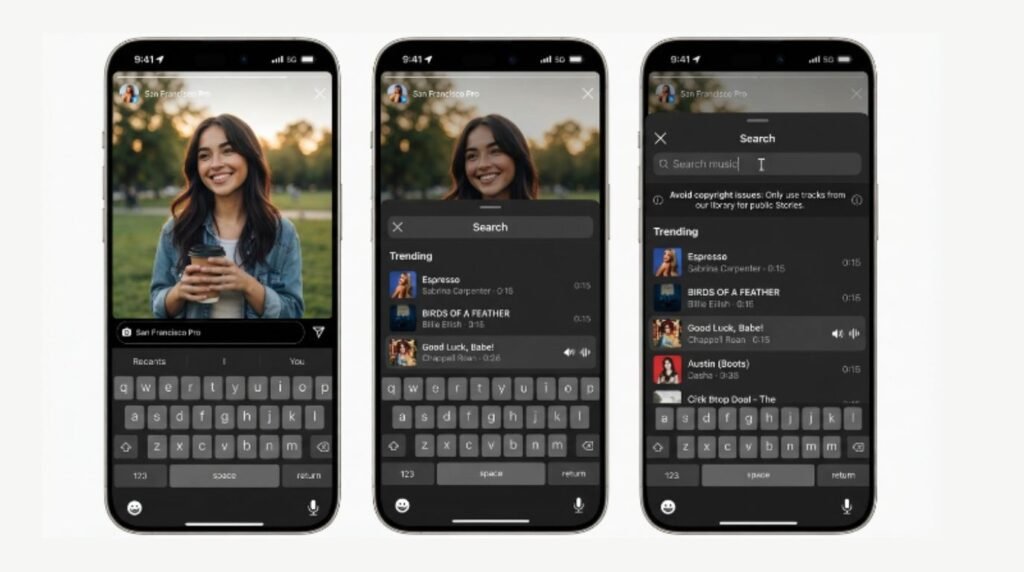
Try a different song from the same artist. If one specific track is blocked, others by the same artist may still be fully licensed and playable.
Clear the app cache (Android: Settings → Apps → Instagram → Storage → Clear Cache) to remove outdated catalog data. iPhone users can achieve a similar effect by deleting and reinstalling the app.
Wait and check again later. Since licensing changes happen on Meta’s end, a song blocked today may become available again within days or weeks. [Internal Link: Instagram Reels Algorithm Explained]
Instagram Music vs. Reels Audio: What’s the Difference?
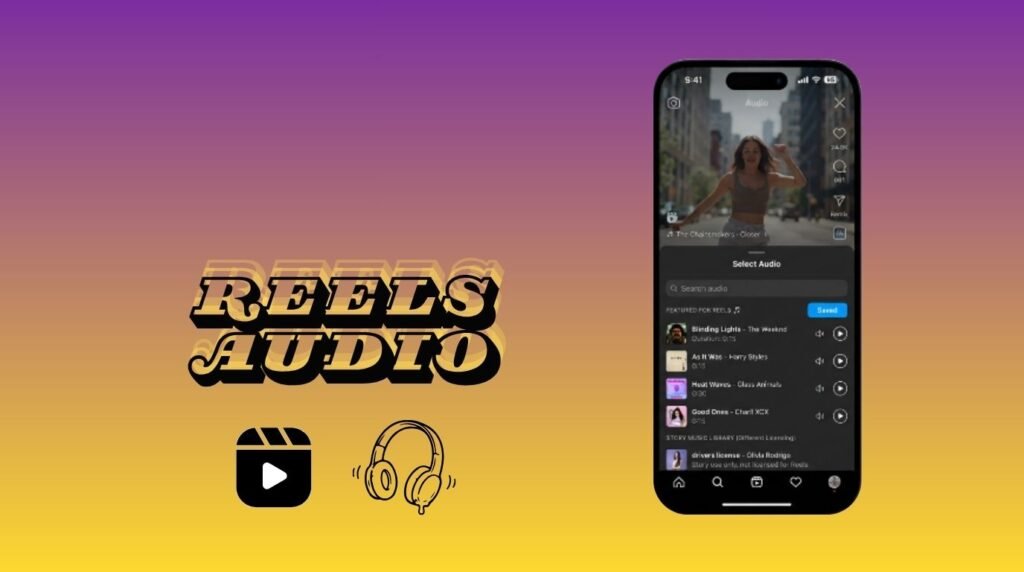
A lot of confusion comes from mixing up Instagram’s Story music sticker with Reels audio, which actually run on slightly different licensing rules.
| Feature | Story Music Sticker | Reels Audio |
|---|---|---|
| Licensing scope | Tied closely to country-specific deals | Slightly broader in some regions |
| Business account access | Often restricted | Sometimes allowed with limits |
| Trending sounds | Not always available | Frequently promoted and available |
| Original audio uploads | Not supported | Supported, subject to copyright checks |
Reels tend to have a slightly more flexible audio system since Meta actively promotes trending sounds to keep the format competitive with other short-video platforms. [Internal Link: Instagram Reels vs TikTok Guide]
Pros and Cons of Instagram’s Music Licensing System
| Pros | Cons |
|---|---|
| Protects artists and copyright holders | Creates inconsistent access across countries |
| Reduces risk of copyright strikes for users | Business accounts face unfair-feeling limits |
| Encourages use of official, high-quality audio | Popular songs can disappear without notice |
| Supports legal, sustainable creator economy | No clear in-app explanation when access is blocked |
Common Mistakes to Avoid
- Assuming it’s always a bug. Most “music not available” messages are licensing-based, not technical errors, so restarting the phone repeatedly won’t help if the root cause is regional.
- Downloading third-party audio to bypass the block. This usually triggers Instagram’s copyright detection and can lead to content being muted or removed. [Internal Link: Instagram Content Removed Reasons]
- Ignoring account type. Many users don’t realize their account is set to Business, which is often the actual reason for restricted access.
- Keeping a VPN active without realizing it affects music. Some VPN apps run in the background even after being “closed.”
- Not updating the app for months. Skipping updates means missing catalog syncs that could resolve the issue automatically.
Expert Tips for Using Music on Instagram Without Errors
According to Meta’s official Help Center, checking account settings and app version should always be the first troubleshooting step before assuming a permanent restriction. [Internal Link: Instagram Help Center Guide] A few additional habits help avoid running into the error repeatedly:
- Stick to Instagram’s built-in music library instead of pulling audio from other apps.
- Keep the app updated automatically through app store settings.
- If running a business page, consider a secondary personal account for content that specifically needs trending music, then repost through Reels where sharing is easier.
- Search for a few backup song options before starting to design a Story, since a first-choice track might not always be licensed.
- Check Meta’s Business Help Center periodically, since licensing terms for commercial accounts do get updated. [Internal Link: Instagram Business Tools Guide]
Frequently Asked Questions
Why is Instagram music not available on my account but works on my friend’s? This usually comes down to account type or location. A personal account in a fully licensed country will often have more music access than a business account or one in a region with limited licensing deals.
Does switching to a personal account fix music not available? In many cases, yes. Business and creator accounts face more music restrictions, so switching to personal (if that fits the account’s purpose) frequently restores fuller access.
Will using a VPN help me access more Instagram music? It can sometimes unlock a different regional catalog, but it often causes more inconsistency and may violate Instagram’s terms of service, so it’s not a reliable long-term fix.
Why did a song that worked before suddenly become unavailable? Music licenses expire or get renegotiated regularly. A track that was accessible last month may lose its license in a specific country without warning.
Is Instagram music not available the same issue as Reels audio not available? They’re related but not identical. Story music and Reels audio follow slightly different licensing systems, so a song blocked in one place might still work in the other.
Can updating the app really fix music availability issues? Yes, in many documented cases. Instagram regularly syncs its music catalog through app updates, so running an outdated version can show incorrect availability. [Internal Link: Instagram App Update Issues]
Does Instagram ever restore music access automatically? Sometimes. If a licensing agreement is renewed or expanded to a new country, previously blocked songs can become available again without any action needed from the user.
Conclusion
Instagram music not available is almost always tied to licensing rules rather than a broken app, and understanding that distinction saves a lot of unnecessary troubleshooting. Checking account type, updating the app, turning off VPNs, and searching for alternative tracks solve the issue for most people within a few minutes. For anyone who still runs into the error after trying these steps, checking Instagram’s official Help Center for country-specific music licensing updates is the most reliable next move. Music trends move fast on Instagram, so keeping the app updated and sticking to the built-in library remains the simplest way to avoid running into this error again.